GlassBridge platform
Software and integration architecture across approved interfaces.
GlassBridge Hardware
From the displays you touch to the network, cameras and audio working behind the scenes, GlassBridge brings selected hardware into a considered onboard experience. Explore a digital foundation shaped around your yacht, your equipment and the people aboard.
Local-first vessel intelligence.
Hardware-agnostic where practical
Software and integration architecture across approved interfaces.
Recommended or validated displays, local compute, network, storage and power protection, selected for the installation.
GlassBridge runs on builder-approved marine displays and local computing infrastructure. Supplier choice follows installation requirements and validation.
Choose your starting point
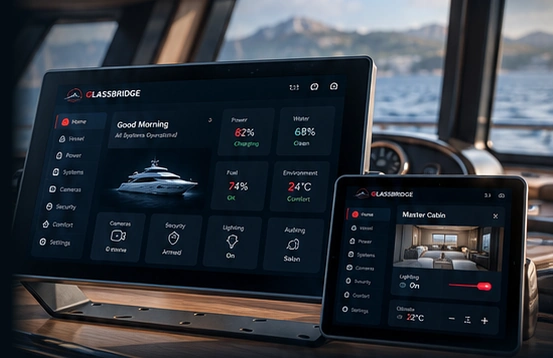
A fixed 21.5-inch marine MFD PC, a removable iPad companion, or Apple TV with GlassBridge apps for guest rooms and crew spaces.
Fixed marine display · iPad companion · Apple TV appsPlan the network, recorder, storage, UPS, cameras, access and entertainment around the yacht.
Walk through the rack · Security · AudioGuest Cabin Display
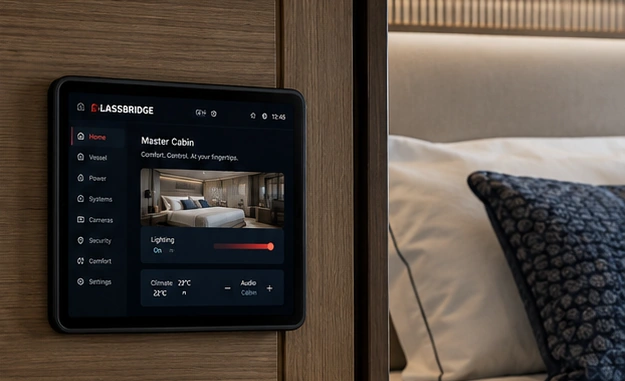
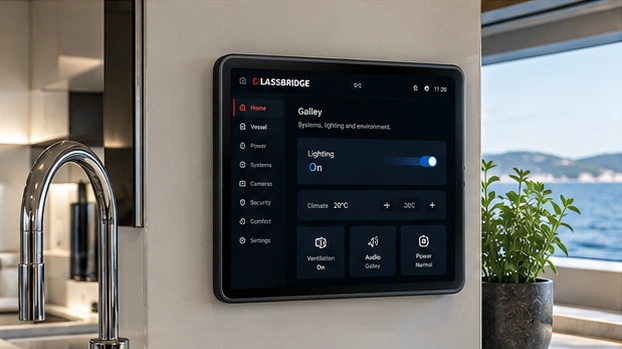
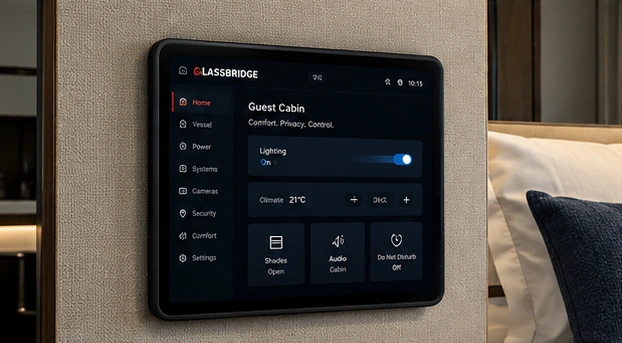
Use the Guest Cabin Display app on an iPad, Android tablet or wall display.
Bring the stay’s information, supported room controls and crew requests together. Choose the device for the cabin and define what the guest can use.
Available controls depend on the yacht’s installed equipment and guest permissions.
See the cabin display views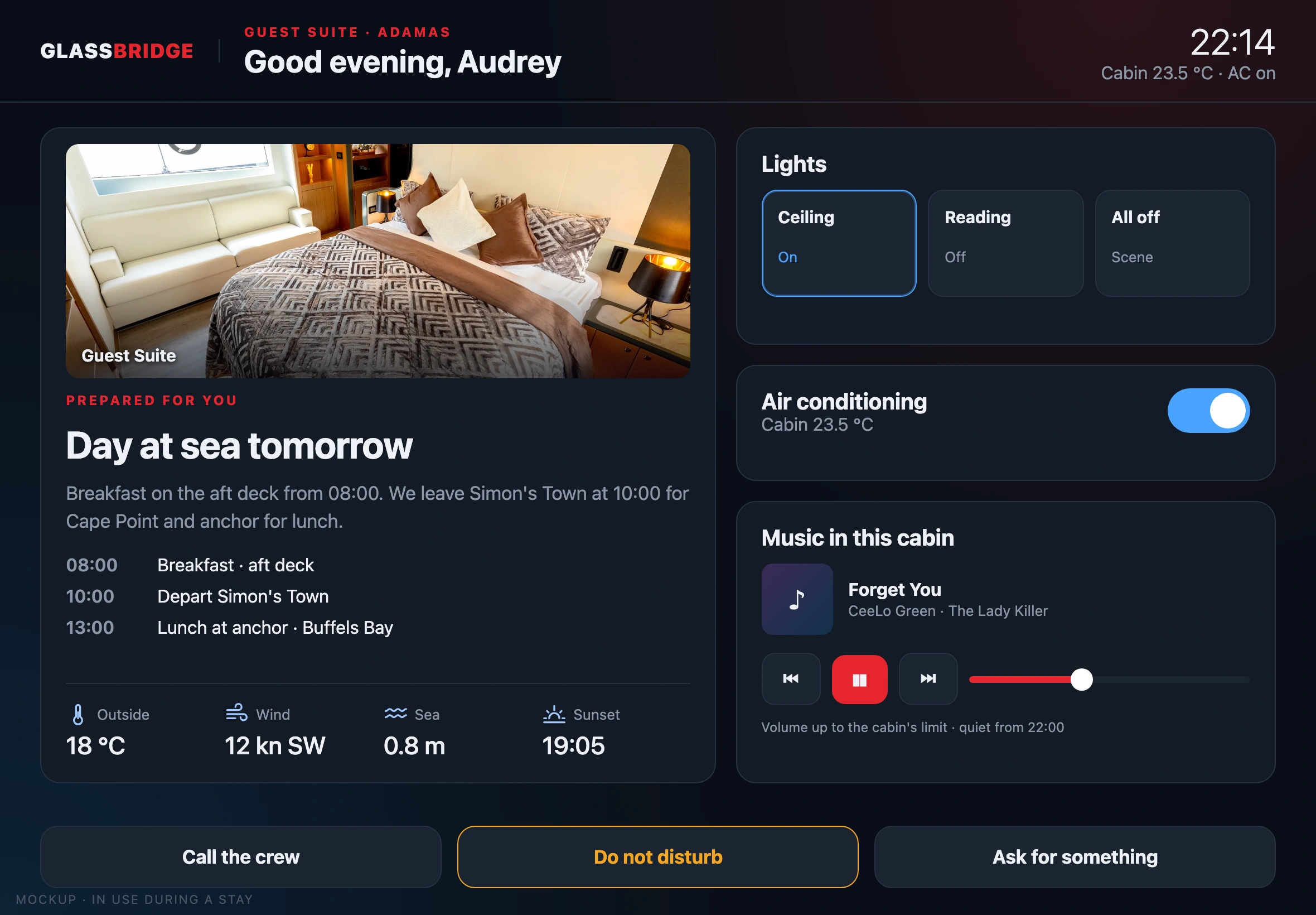
01 / Hardware
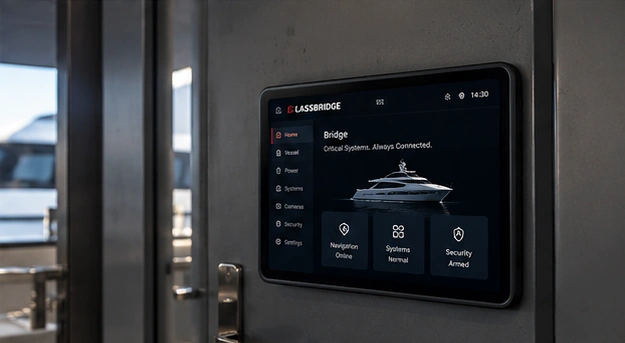
Check the yacht from a companion display aboard.
Secure, powered iPad mounts keep the GlassBridge interface available in the yacht’s interior spaces.
View iPad Companion Display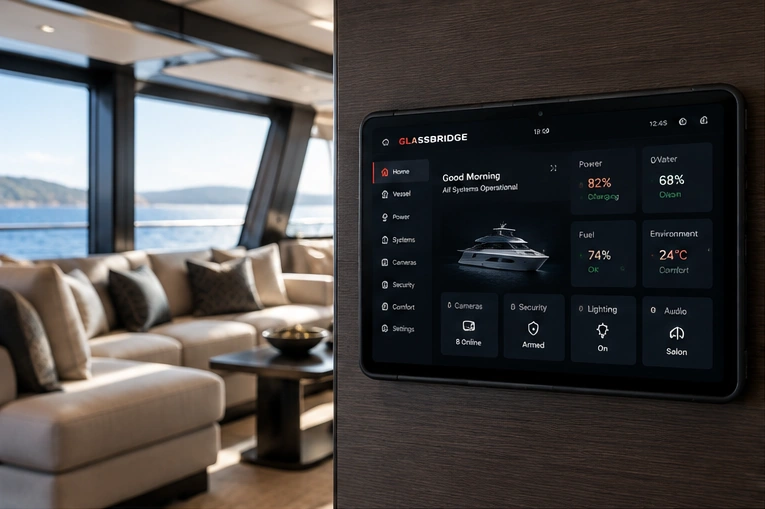
02 / Hardware
Engineered for demanding marine environments.
A 21.5-inch, high-brightness marine display PC with fanless Intel computing, isolated NMEA 2000 and four NMEA 0183 ports. Purpose-built hardware for helm, engineering and fixed-control installations.
View Specifications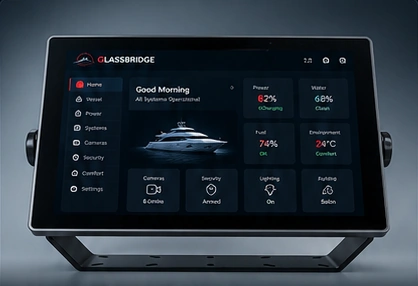
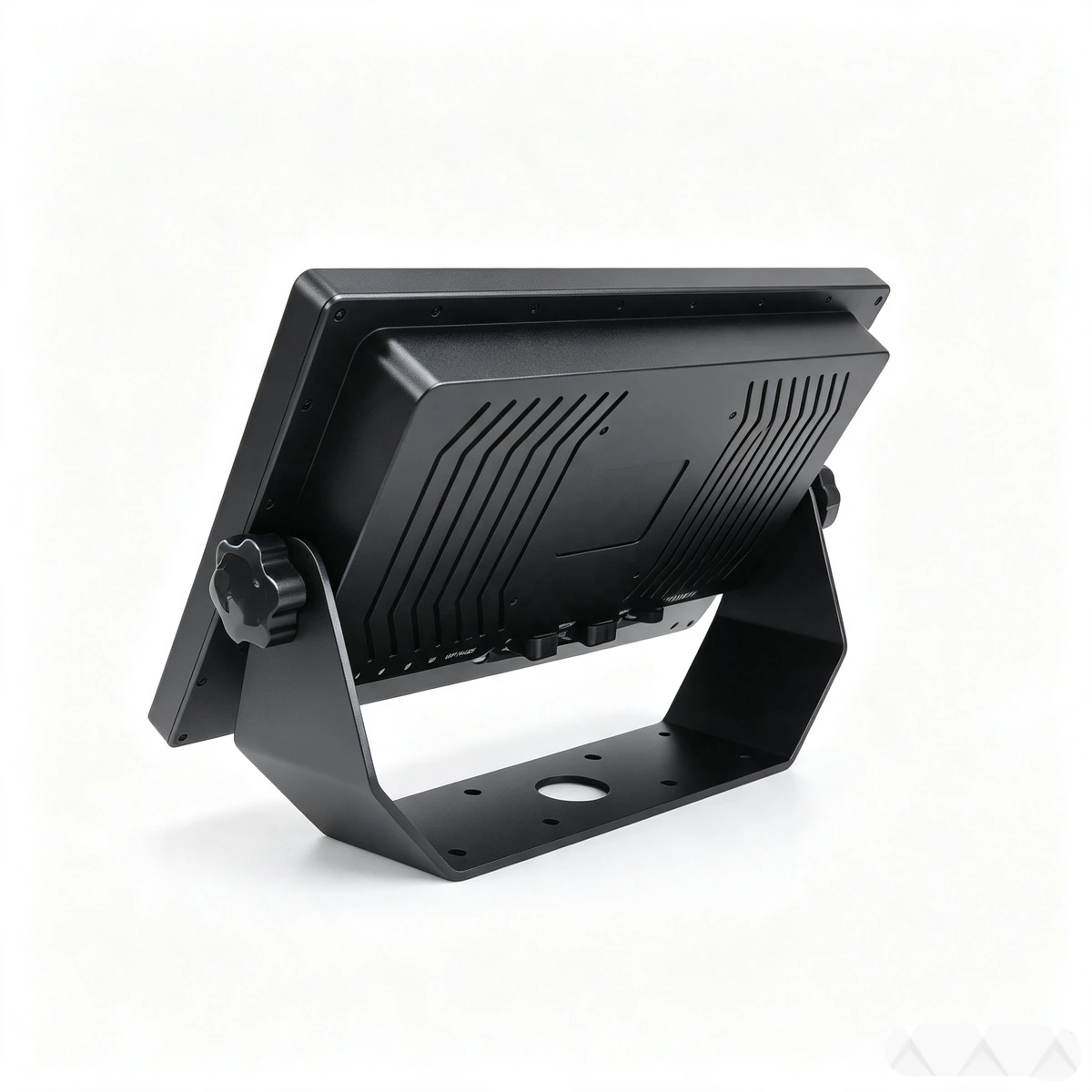
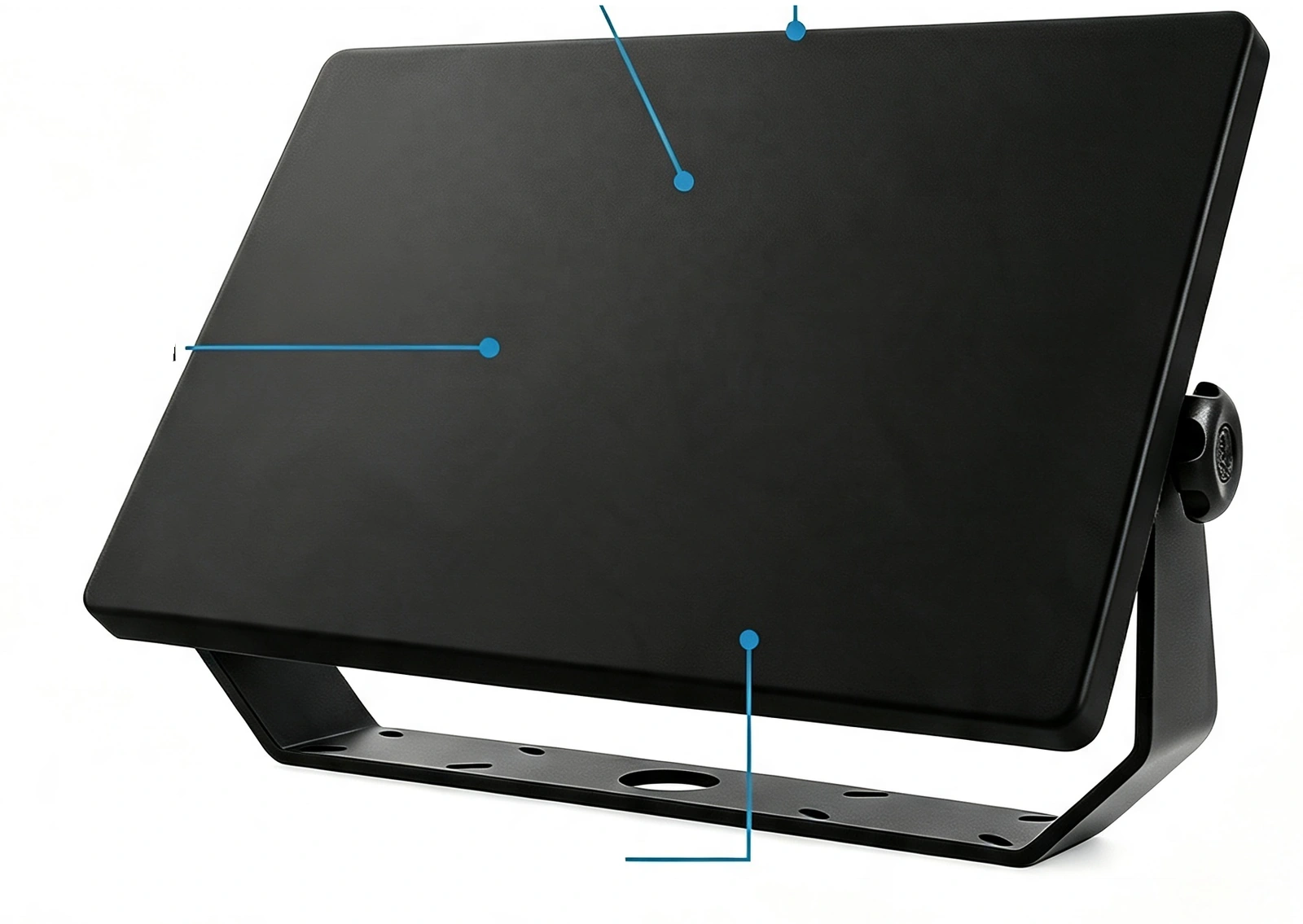
Specifications are supplier-stated for the custom configuration.
Apple TV · GlassBridge apps
Connect Apple TV to the room’s television and onboard network. GlassBridge Guest and GlassBridge Crew bring the yacht’s guest experience and operating picture to the TV, with navigation through the Apple TV remote.

Welcome guests with their cabin information, stay content and a way to request help from the crew. Room controls follow the installed equipment and guest permissions.
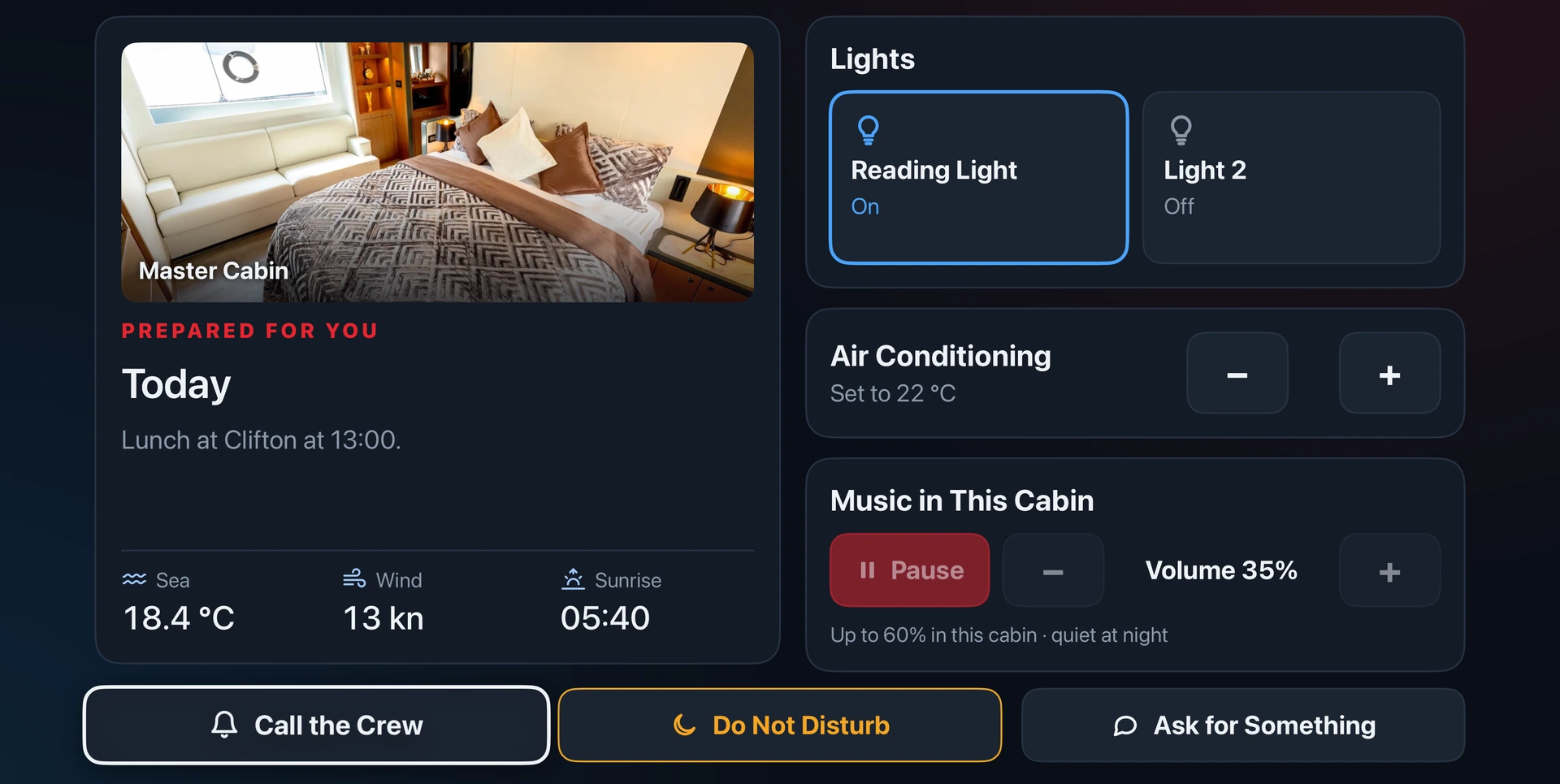

Monitor the yacht from crew cabins, the crew mess and shared crew spaces. Review the Bridge overview and dedicated views for the yacht’s configured systems.
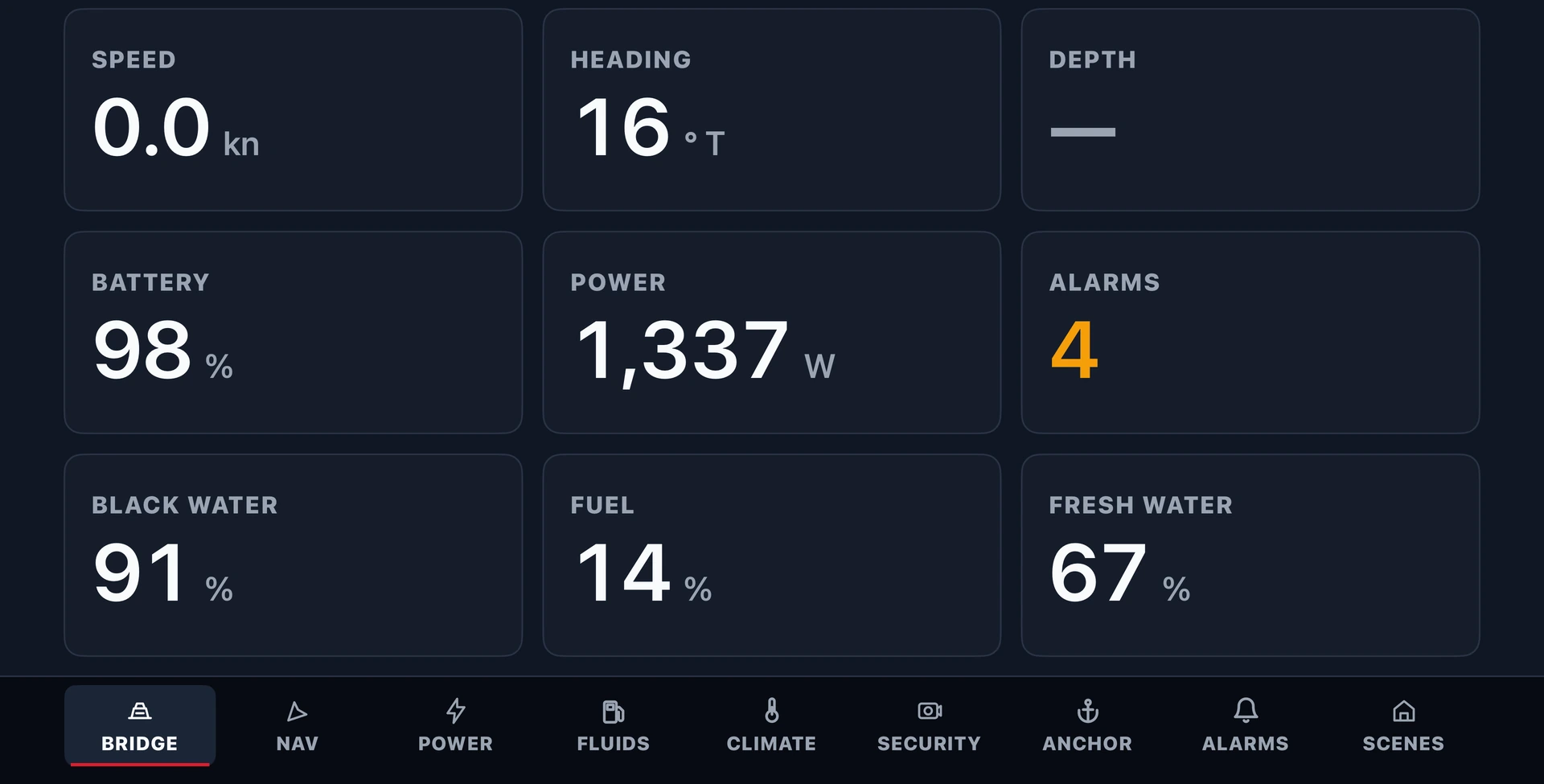
Assign each TV to its room and app during set-up. Available information and controls follow the yacht’s configured systems and display permissions.
03 / Technical specifications
Supplier-stated MFD configuration.
GlassBridge Infrastructure
A connected yacht starts with the systems behind the screen. GlassBridge Infrastructure brings networking, local computing, recording, media storage, entertainment and protected power into one integrated onboard system.
From a compact refit to a builder-defined equipment package, the foundation is shaped around the vessel: its spaces, connected systems, service access and the experience owners and crew expect.
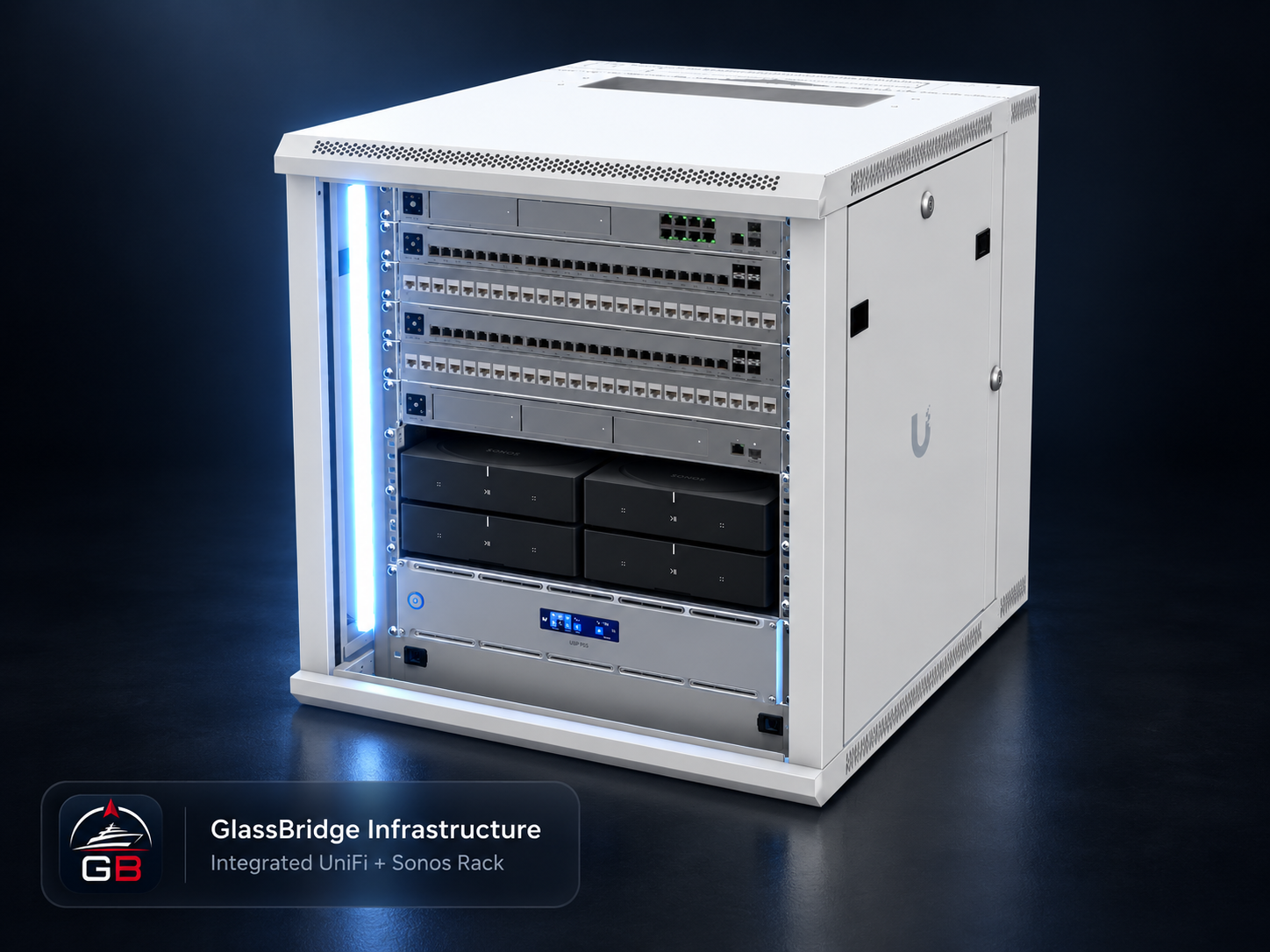
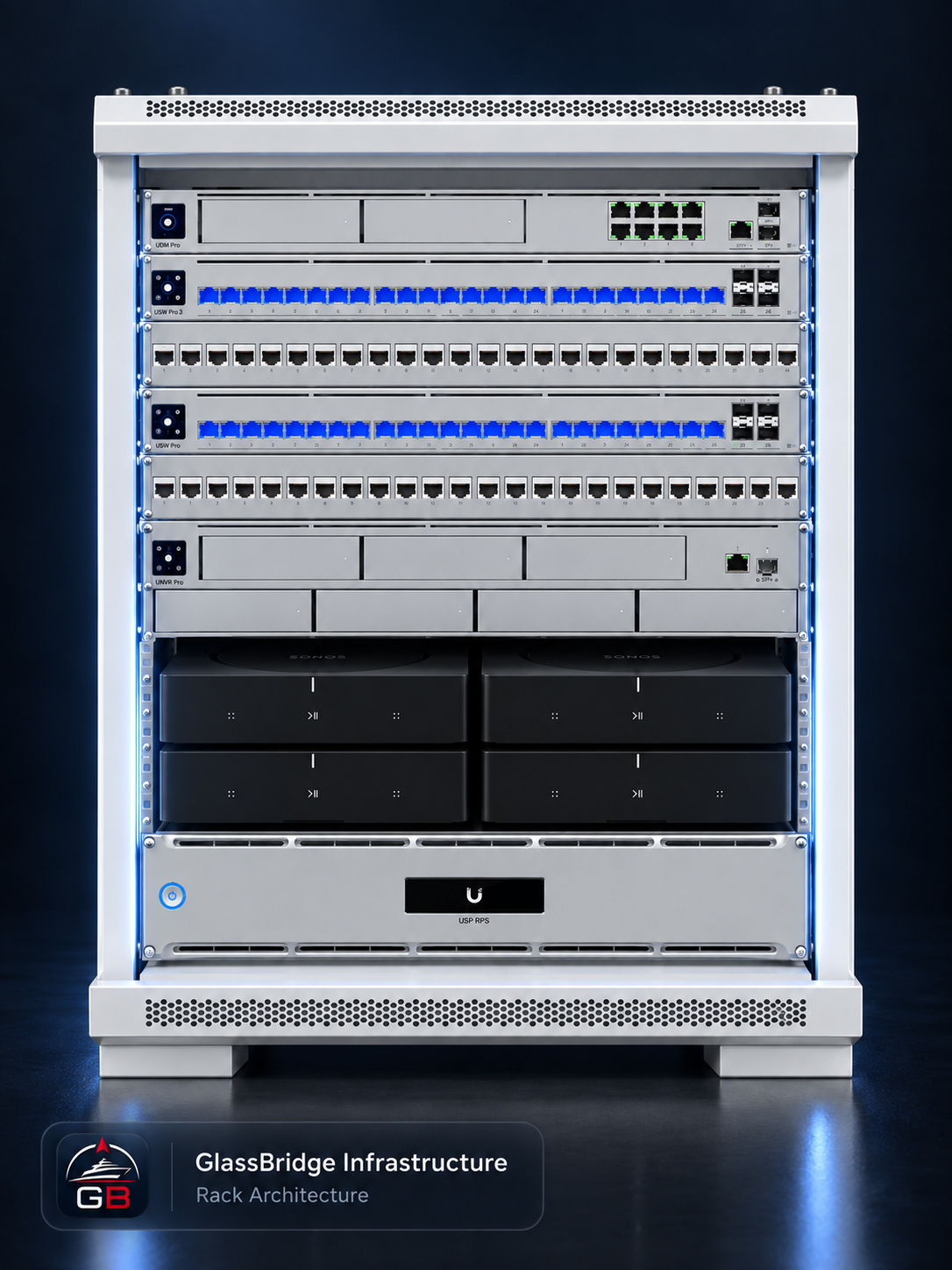
GlassBridge rack configuration with UniFi networking, UNAS Pro storage and four Sonos Amps. Final equipment, mounting, cooling and power arrangements are specified for the installation.
Our rack includes a UniFi UNAS Pro with over 60 TB of onboard storage for media libraries, shared files and backups.
Keep movies, music and picture libraries aboard, accessible across the vessel network from compatible media players and devices.
Keep backups, vessel documents and shared files organised in central onboard storage, alongside the yacht’s entertainment library.
UPS 2U Pro · Protected Power
Our rack includes a UniFi UPS 2U Pro. Battery backup bridges brief interruptions during shore-to-generator changeovers, keeping connected networking, GlassBridge computing, recording and storage powered. Pure sine wave battery output and surge protection help protect that equipment from power disturbances.
Backup capacity is matched to the connected load and changeover time. For extended outages, configured graceful shutdown protects the UNAS storage and UNVR recorder before the battery is exhausted.
The same rack brings together Network, Guardian, Access, Audio and Storage & Media, alongside the local GlassBridge appliance and its displays. The UPS 2U Pro provides battery backup and surge protection for the connected rack equipment.
See how the systems connectGlassBridge Network
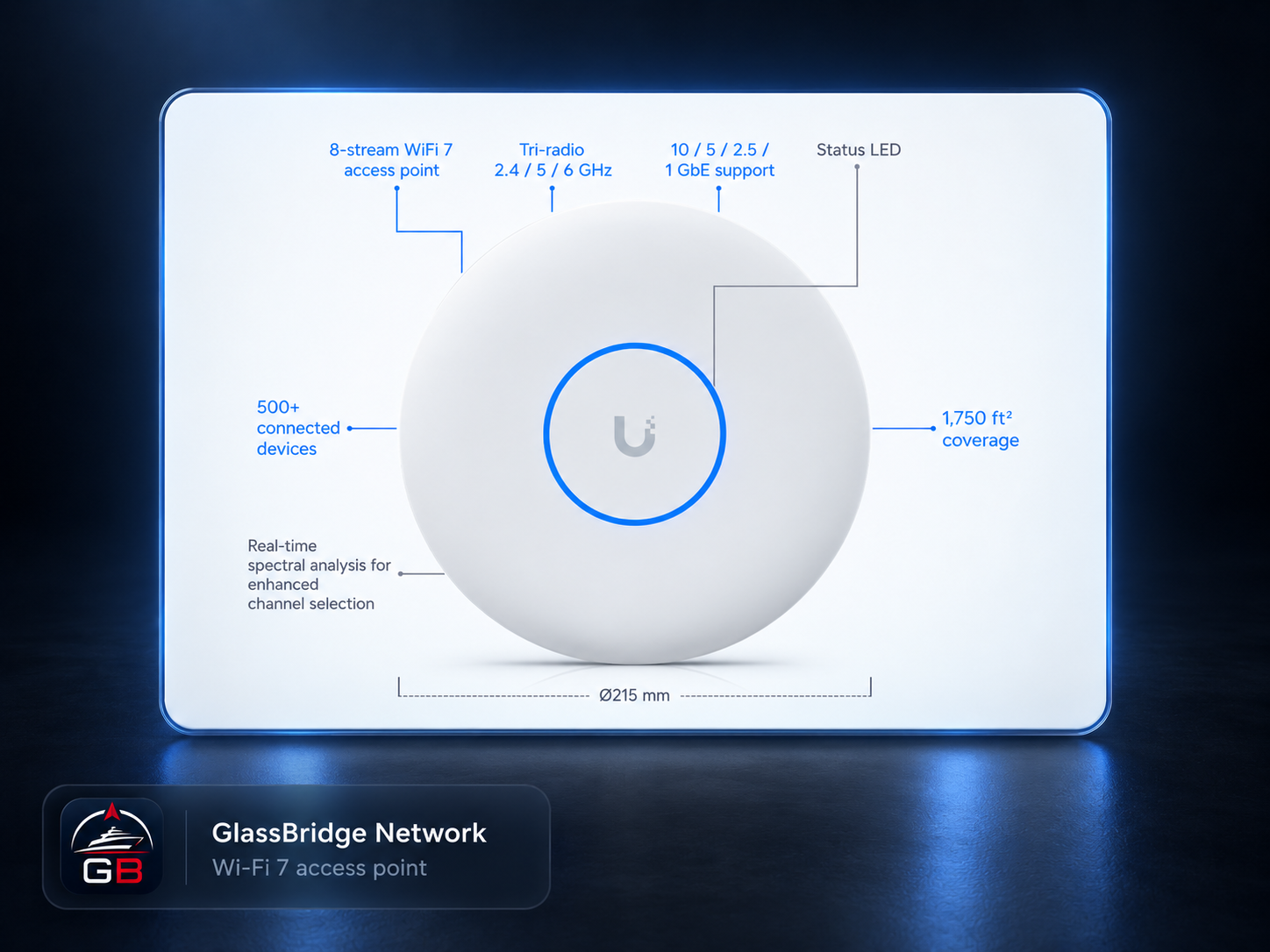
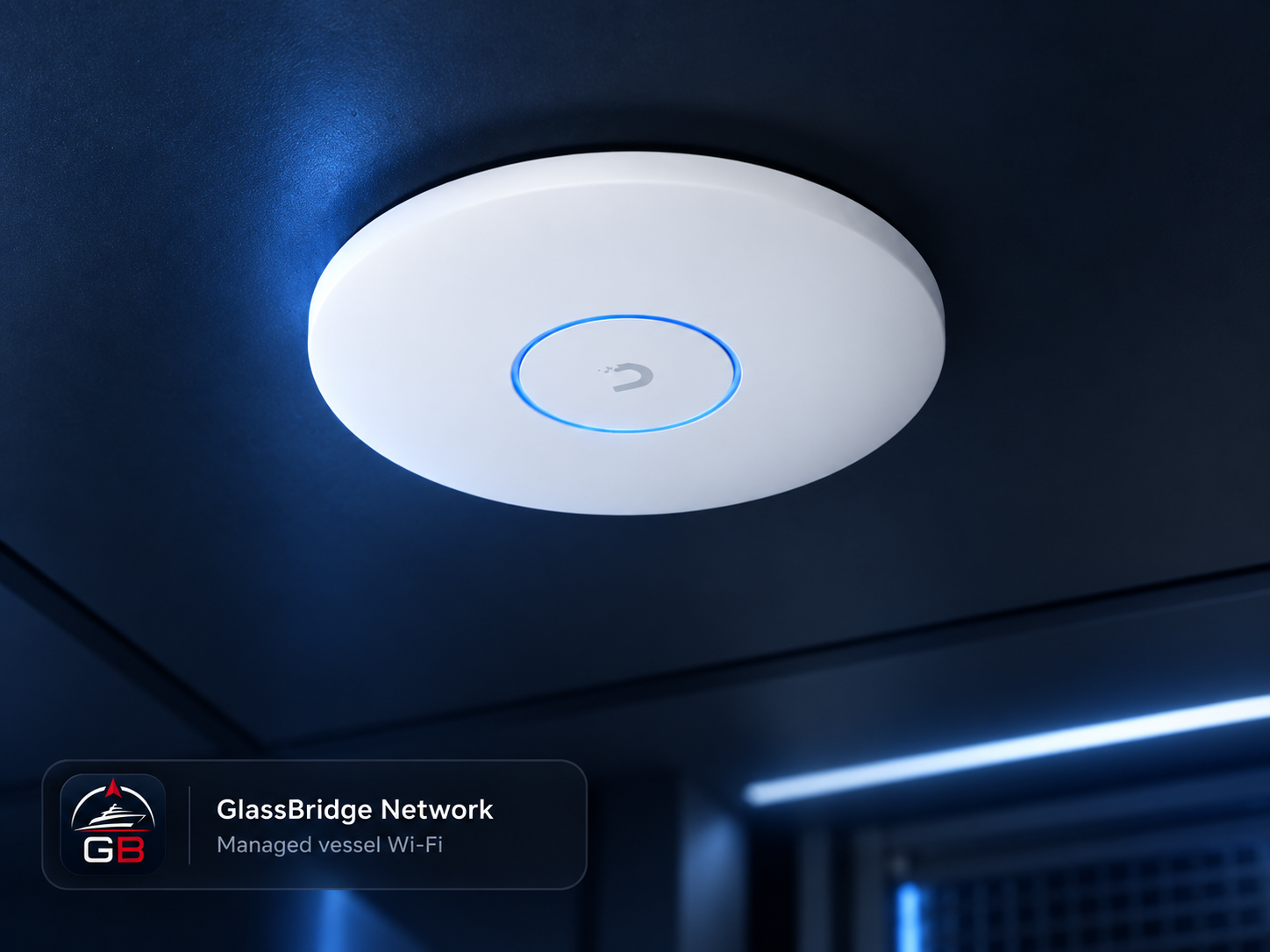
The onboard network connects the experiences you see and the systems you rely on. An integrated UniFi installation links GlassBridge displays, cameras, audio and connected equipment, with separate network policies for owners, guests, crew and vessel systems.
Access-point placement and network design follow the yacht’s layout, rather than a fixed coverage promise.
Ubiquiti hardware specifications, not internet-speed guarantees. Network provisioning and policies are UniFi functions.
GlassBridge Guardian
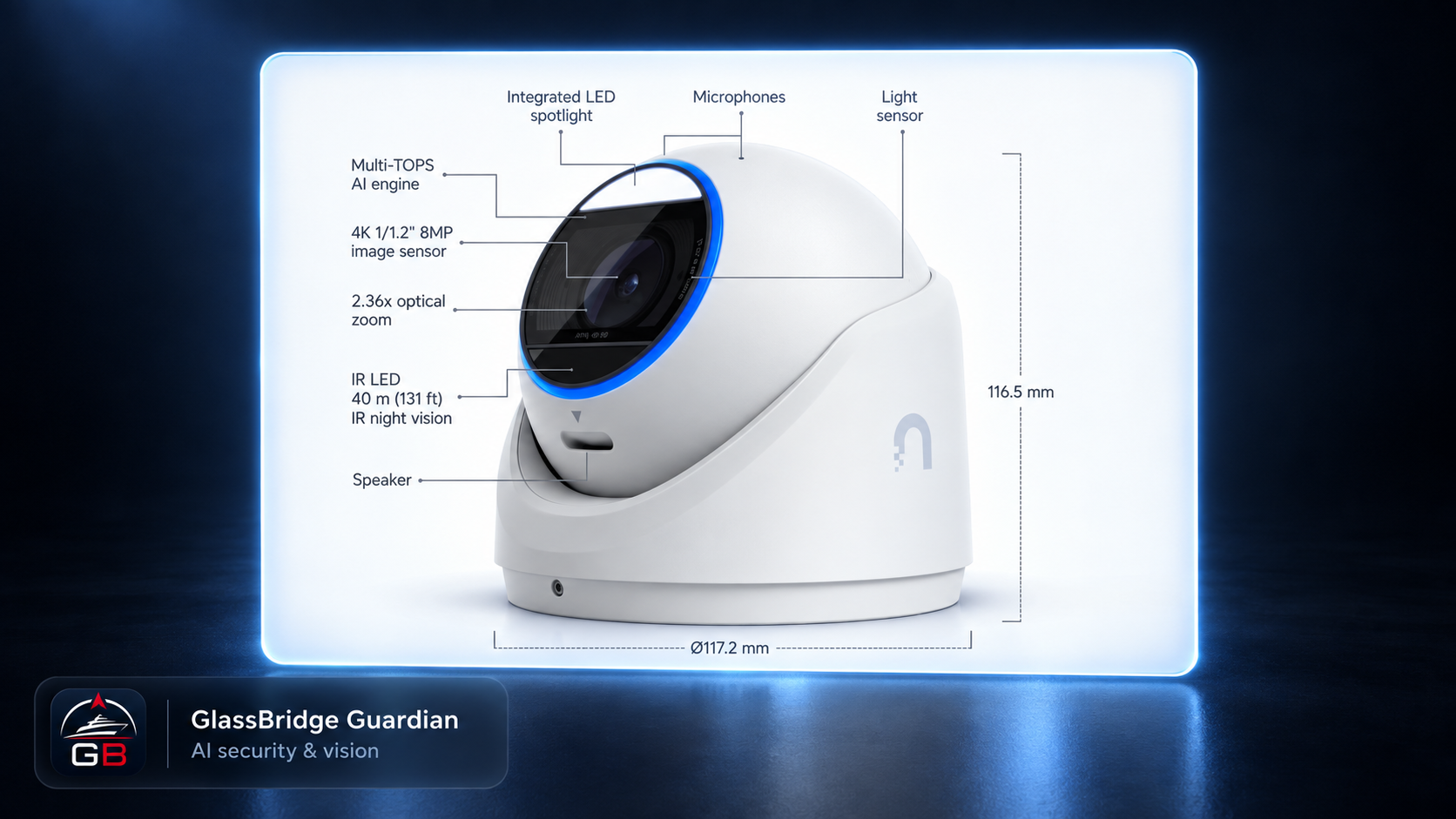
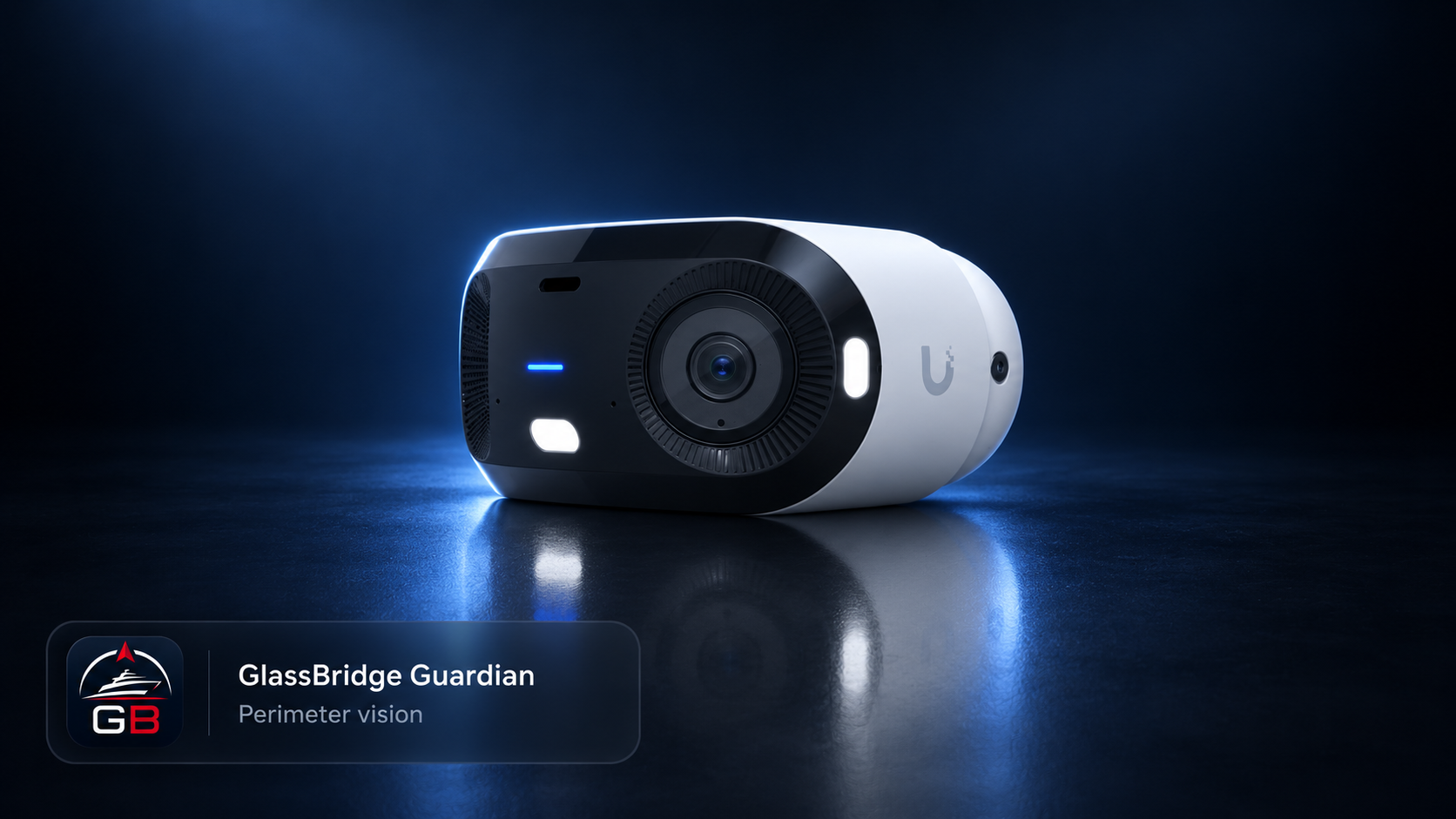
Guardian brings camera availability, selected onboard views, environmental sensing and the alarm lifecycle into one local view. Crew can see which system needs attention, check its history and decide what to review, while private camera media remains aboard.
Guardian connects supported AI camera events to available footage, reviewed incidents and a recorded response.
GlassBridge integrates the camera’s supported functions with the yacht’s configured equipment and vessel zones.
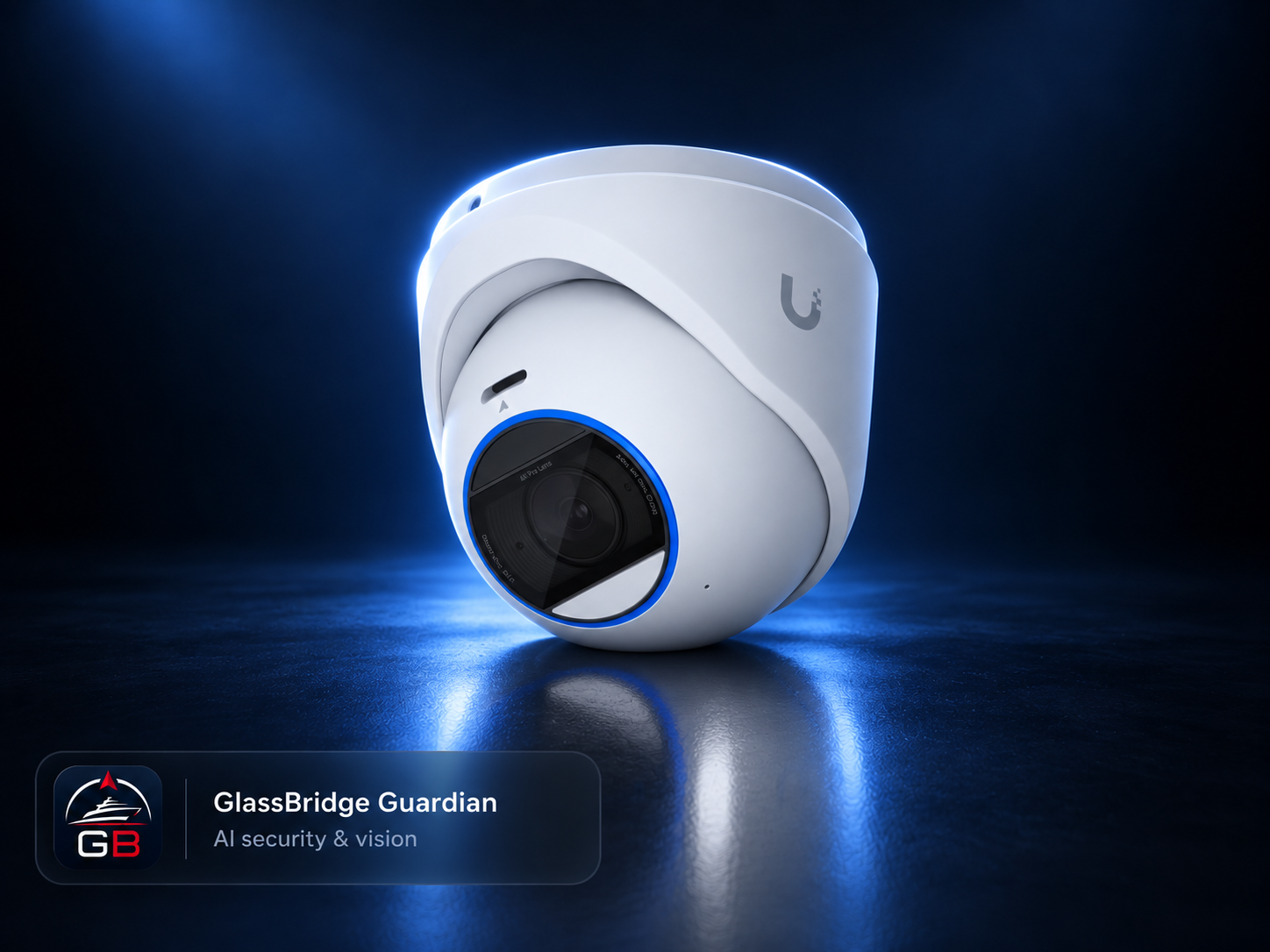
Product illustration in ceiling-mount orientation.
Supported person, vehicle, animal, motion and audio detections are linked to vessel zones such as the gangway, transom and deck. Camera, time, confidence and data health stay with the event so crew can assess it in context.
Footage audits link an incident to onboard footage and evidence references. The event timeline, crew assessment and recorded response stay together, with a review history that explains what was checked and why.
See active alarms and their history alongside camera and sensor state. Acknowledgement, silencing, shelving and return-to-normal remain distinct, audited actions and states. Acknowledging an alarm does not mean the underlying condition has cleared.
Camera inventory, streaming, event coverage and footage retention are checked separately for the installed camera and recorder interfaces. AI detections support human review. Continuous recording stays with the onboard camera system, and footage review follows the vessel’s access and retention policies. Explore the Guardian event-to-incident workflow.
GlassBridge Access
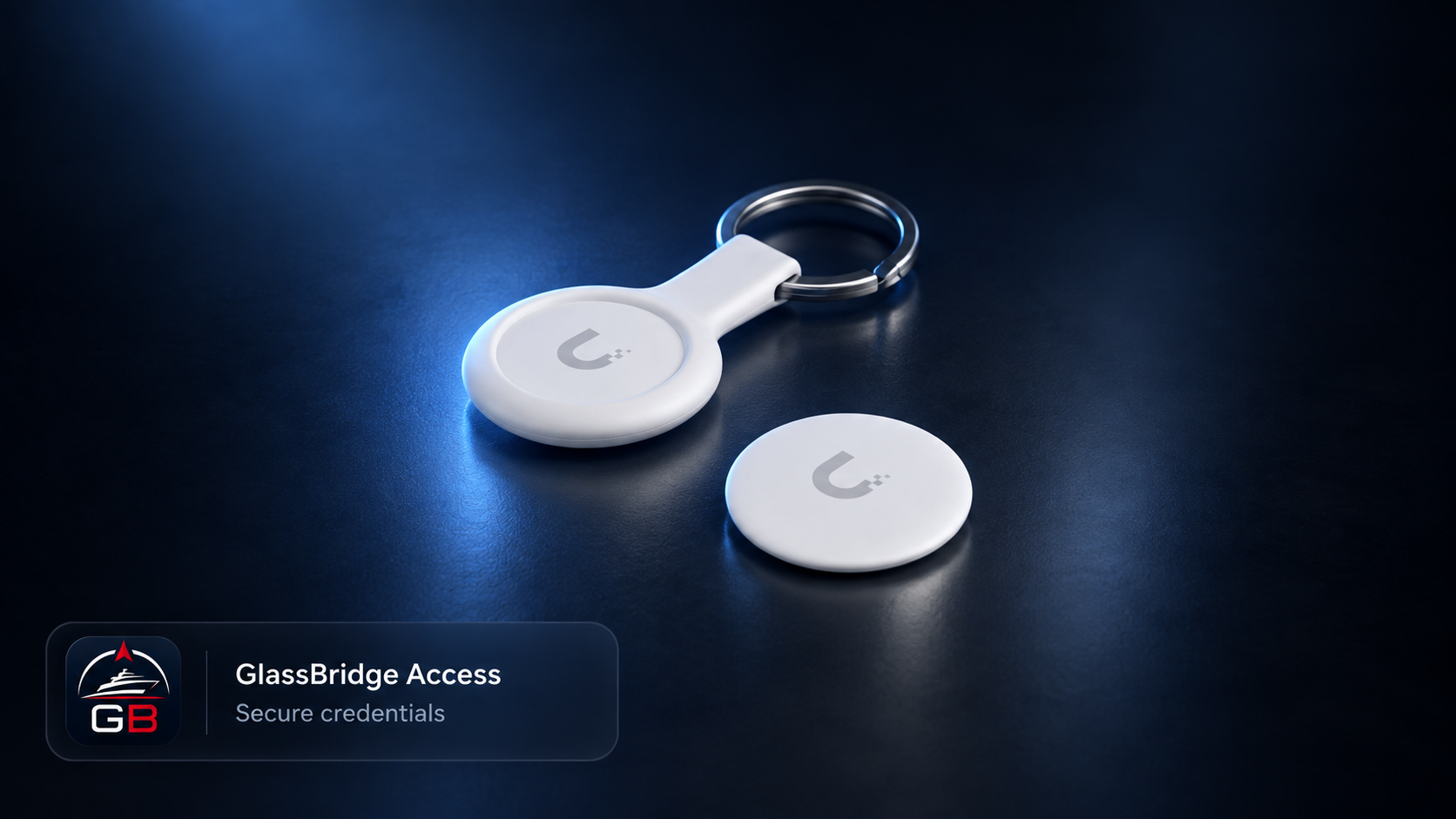
Give owners, crew, guests and service personnel an assigned NFC fob, with access shaped around their role aboard. A configured UniFi Access installation determines which doors each person can use and when.
Plan separate permissions for staterooms, shared areas and technical spaces, with guest and service access limited to an agreed visit.
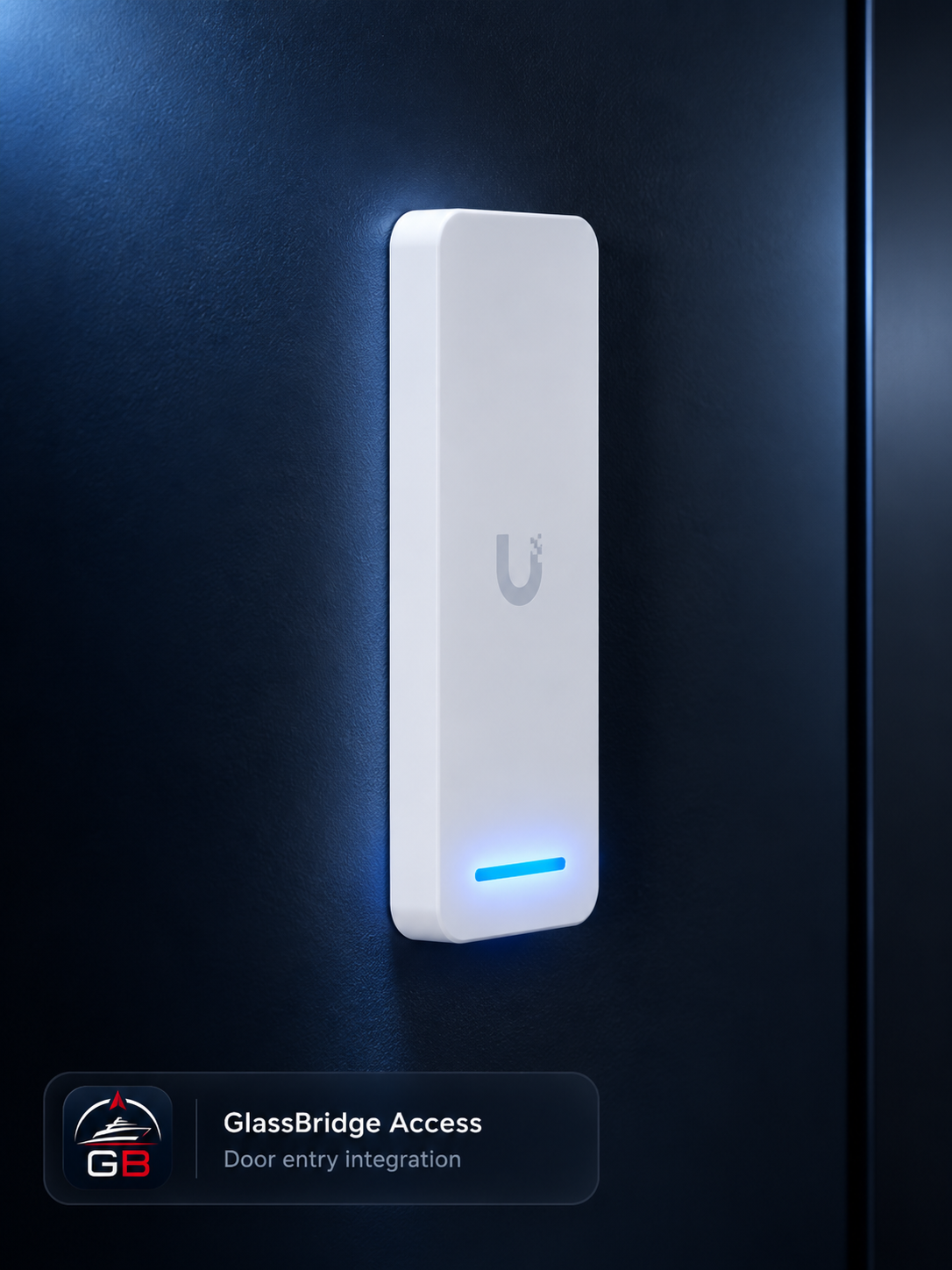
Access hardware selected for the installation.
The UniFi Pocket Keyfob (UA-Pocket) has an IP54 weather-resistant casing and uses NFC for tap access. Credential and reader selection follow the conditions at each access point.
Register each fob to a named user or visitor. In UniFi Access, user and group policies define the doors available to owners, crew and other authorised users, along with their allowed access times.
Set one-time or recurring visits for guests and service personnel, with specific doors and credentials assigned to each visit. Visitor access expires when the scheduled visit ends.
Credentials and permissions are managed in UniFi Access. GlassBridge connects the installation’s compatible readers and locks with the onboard experience.
GlassBridge Access · Product Film
See waterproof credentials, assigned user rights and access by person, area and schedule.
GlassBridge Audio
Bring the full Sonos range into life aboard: soundbars in every stateroom, wireless speakers in living spaces, portable speakers for the transom and swim platform, and Amp-powered installed zones.
From private TV sound to music across the yacht, we supply and integrate soundbars, speakers, subwoofers, Amps and Ports for the way each space is used. GlassBridge brings supported playback, volume, source and grouping controls into the local vessel interface.
Give each stateroom its own TV and music experience, with a Sonos soundbar and a speaker, surround or subwoofer arrangement suited to the room. Keep listening private or group compatible rooms when wanted.
Take wireless portable speakers to the transom, swim platform or wherever guests gather. Each installation includes the speaker models, charging arrangements, Wi-Fi coverage and connection modes suited to life aboard.
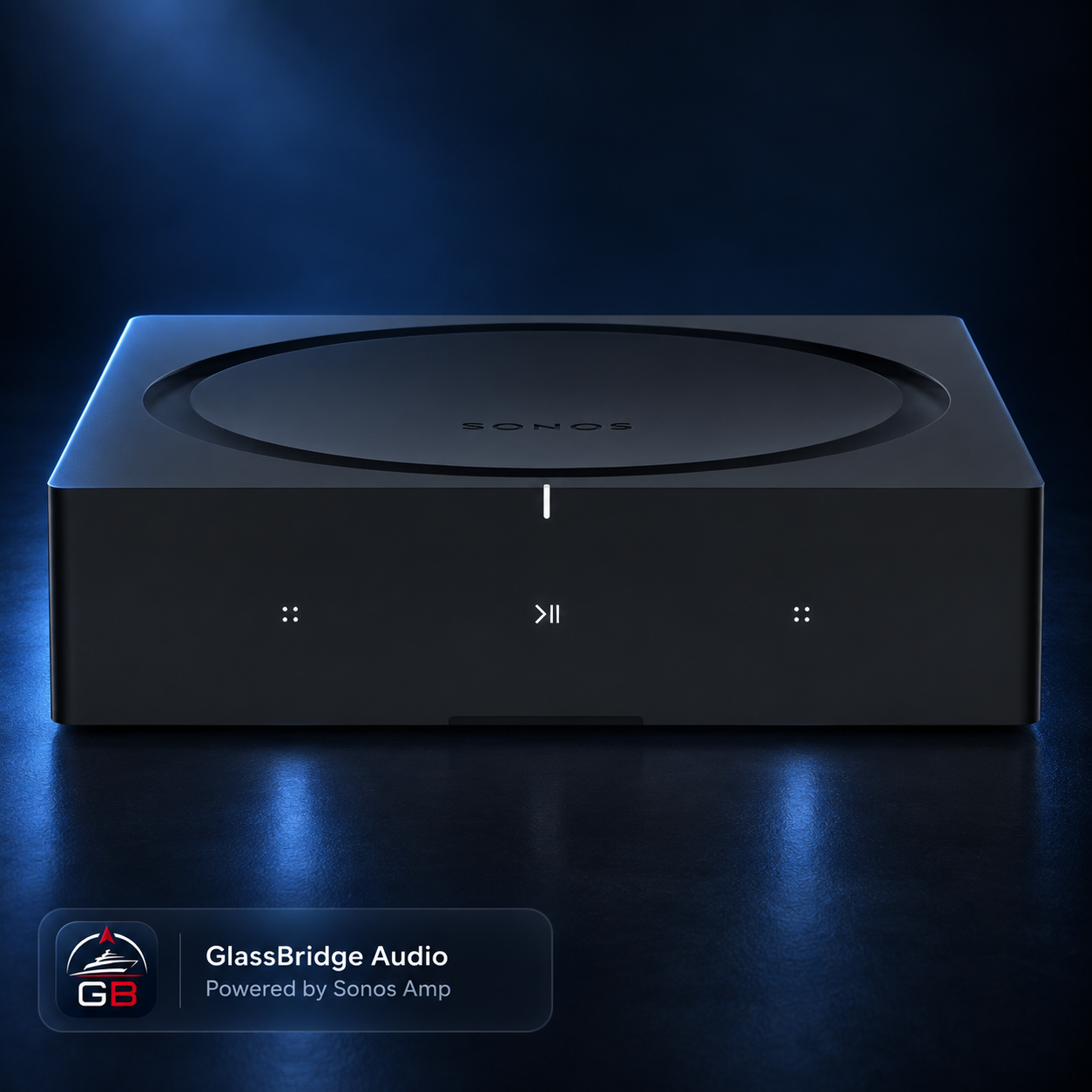
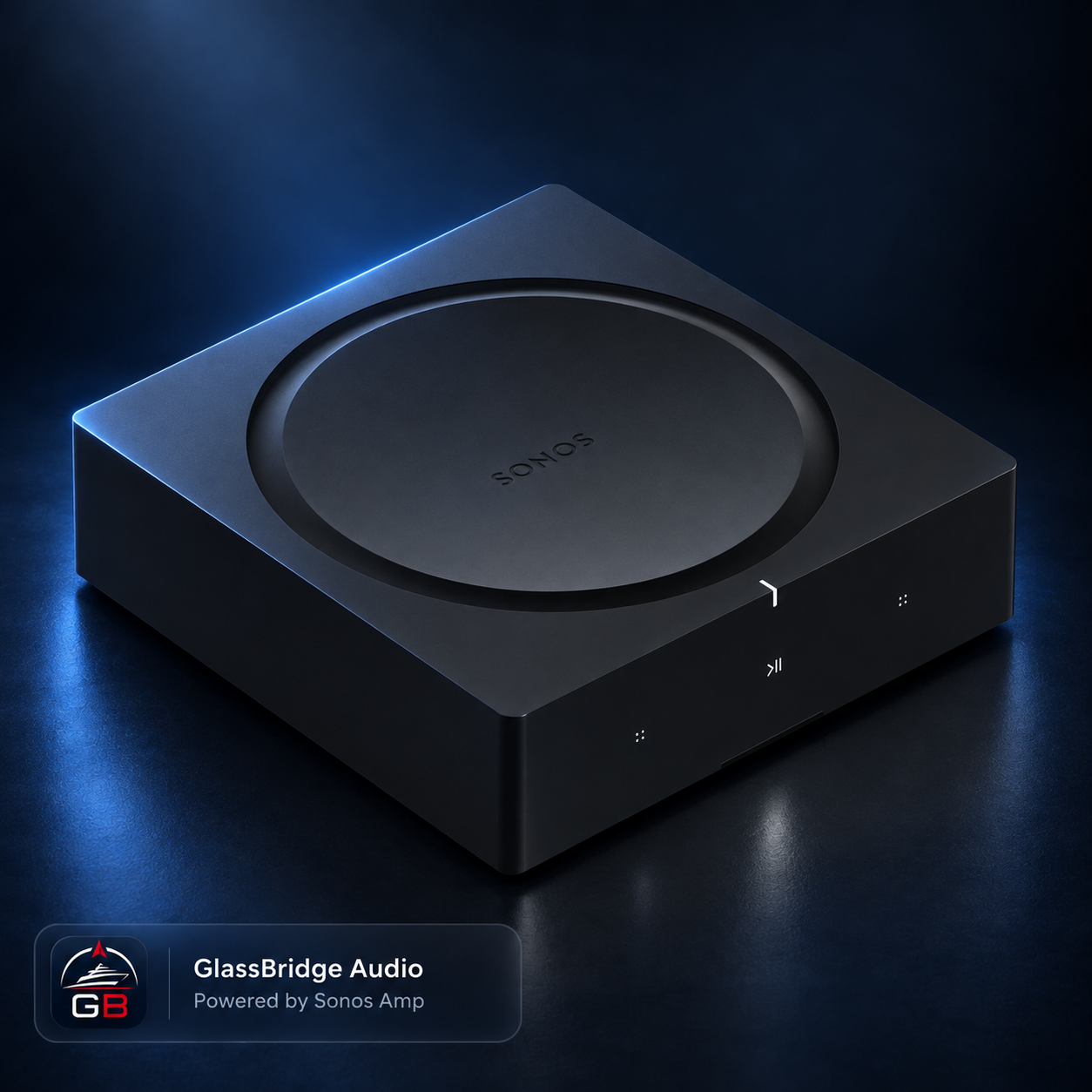
Use Sonos Amp for installed speaker zones and Sonos Port to connect compatible existing audio equipment. Combine these with standalone speakers and soundbars in a zone plan built around the yacht.
The illustrated four-Amp rack shows the installed-speaker part of a wider Sonos system. Stateroom soundbars, standalone speakers and portable deck speakers complete the plan, with compatibility and GlassBridge controls confirmed for the selected models and connection modes.
See the four-Amp rack configurationThe onboard architecture
Connectivity, vision, access, storage and entertainment each have their own job. GlassBridge brings supported information and reviewed local actions into one operator experience, while the original systems retain their responsibilities.
Wired and wireless connections as appropriate · separate network policies
↓ Camera recording
Onboard recordingPrivate camera media stays aboard.
Reader, credential and lock capabilities scoped per installation.
Supported zones and reviewed local controls.
Movies, music, pictures, backups and vessel files.
↓ Local operator experience
GlassBridge displaysFrom local appliance ↓ Approved monitoring projection only
GlassBridge CloudAuthenticated, monitoring.
Supported information and reviewed actions connect through installed and tested local integrations. Each integration retains its own capability scope.
For owners, builders and refit teams
Bring us the yacht, the systems list and the way you want life aboard to work. We deliver the hardware, integrations, displays, set-up and testing to match that brief.
Reference hardware is configured for each vessel. Final compatibility, placement and GlassBridge functions are confirmed during design, set-up and testing.
UniFi/Ubiquiti and Sonos identify third-party hardware. Their inclusion does not imply endorsement or certification. Emergency egress and original safety systems retain their independent responsibilities.