
Companion interface · interior installation
GlassBridge Companion Display
A native GlassBridge experience, exactly where you need it.
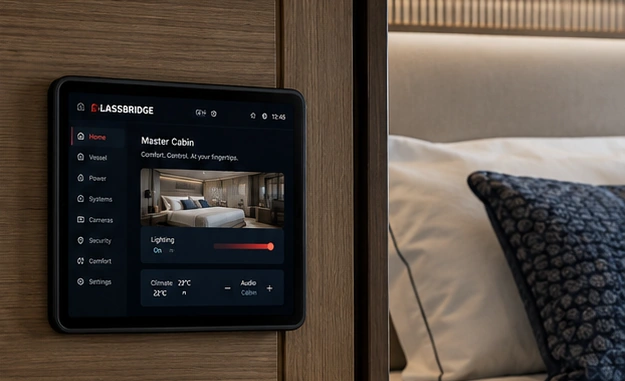
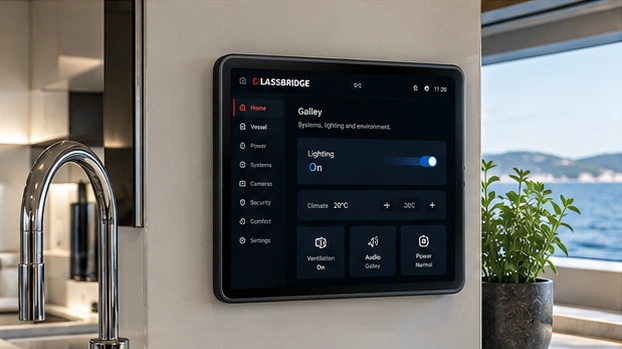
iPad with magnetic PoE docking creates a clean, always-charged companion interface for cabins, salon, galley and crew spaces.
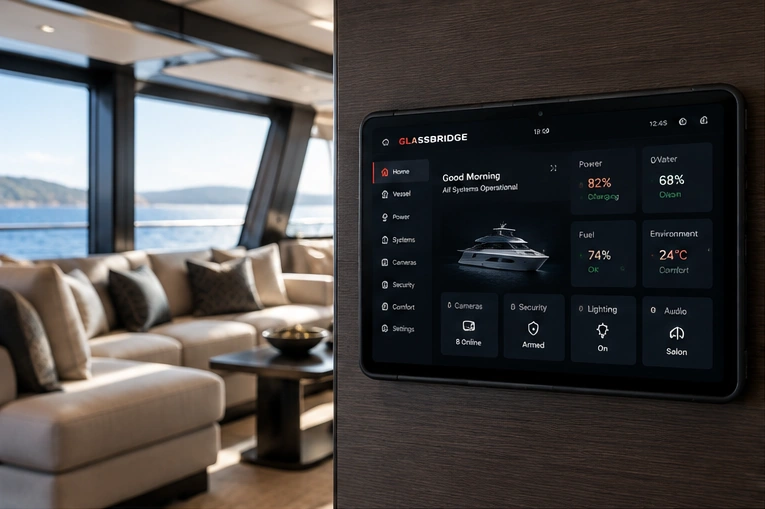
Companion Display · Product Film
One interface throughout the yacht.
See the removable, always-powered GlassBridge companion experience across salon, stateroom and crew spaces.
- Magnetic dockSecure and elegant
- PoE poweredSingle cable simplicity
- Always chargedReady when you are
- Portrait or landscapeFlexible installation
- Removable companion displayTake control with you
Guest Cabin Display
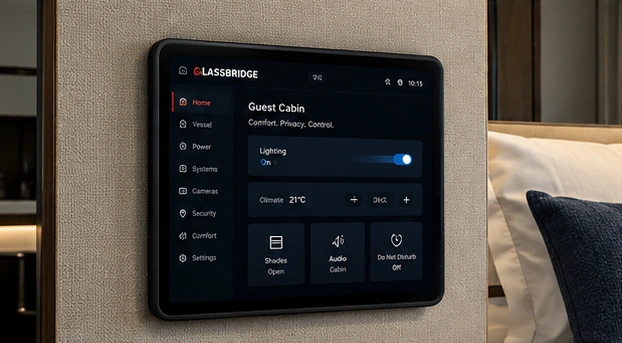
Give guests a display for their cabin.
Use the Guest Cabin Display app on an iPad, Android tablet or wall display.
Bring the stay’s information, supported room controls and crew requests together. Choose the device for the cabin and define what the guest can use.
Available controls depend on the yacht’s installed equipment and guest permissions.
See the cabin display views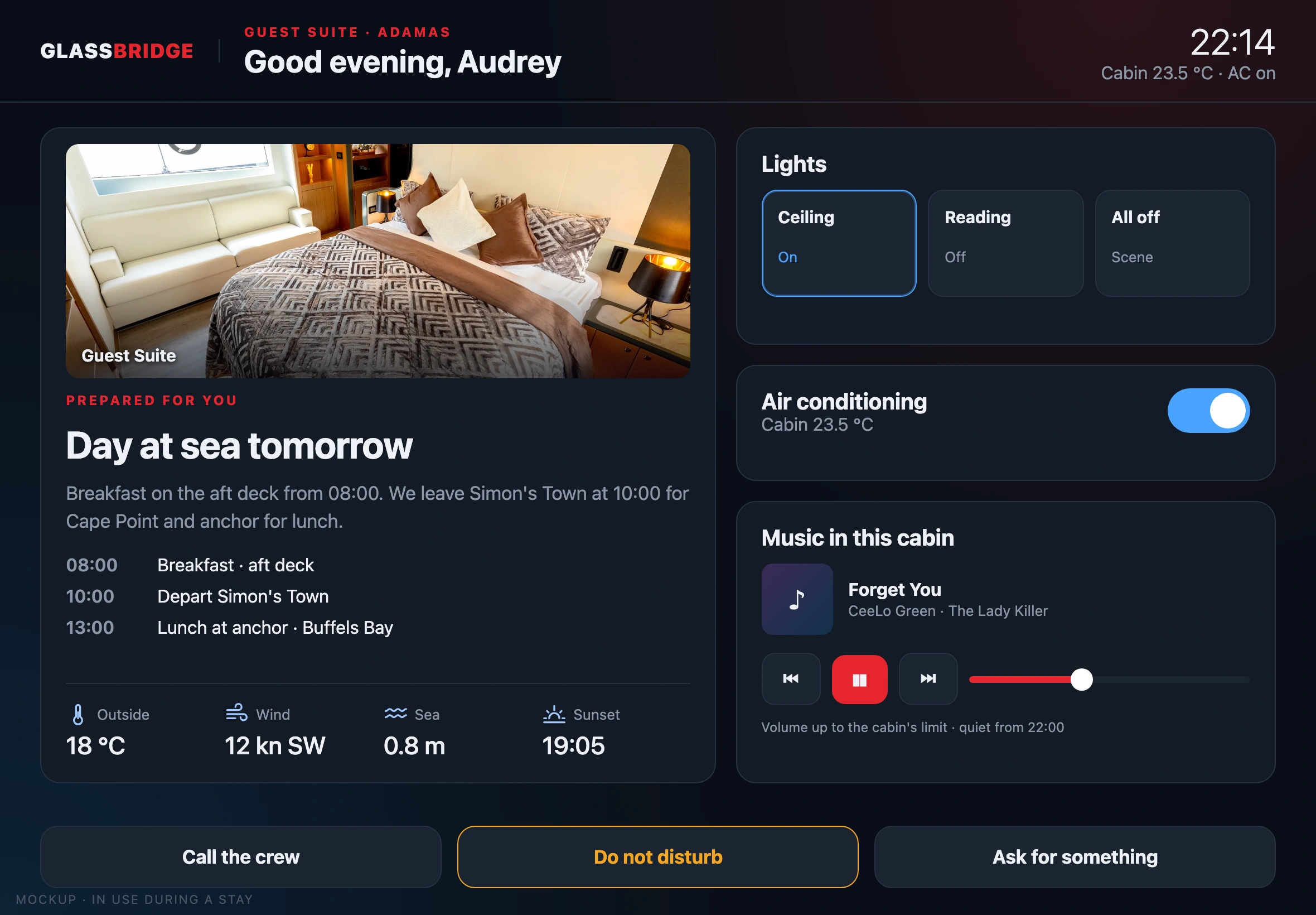
Plan the installation
Five details to agree before fitting.
- Compatible iPad A16 or iPad 10th Gen and matching shell.
- PoE cable route and suitable power budget.
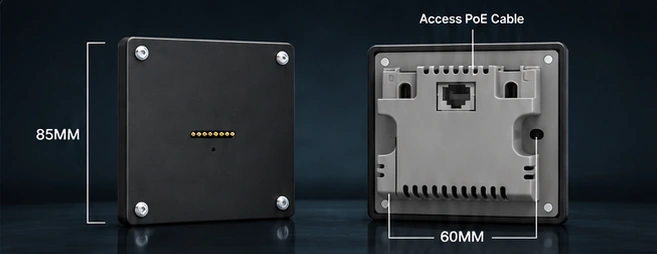
- Concealed 86-size back box and mounting position.
- Magnetic dock orientation and comfortable reach.
- Room, user permissions and local network coverage.
Dock. Charge. Control.
Designed to disappear into the yacht.
The mounting hardware stays compact and visually quiet. The iPad remains removable while charging automatically whenever it is docked.
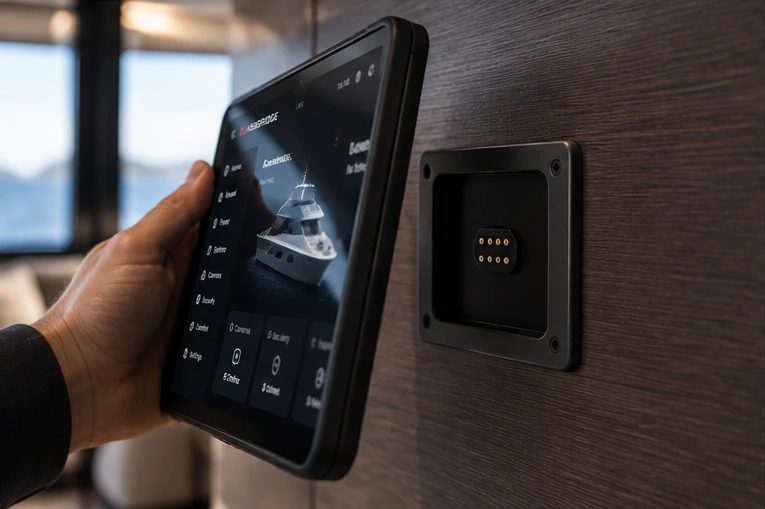
One cable.
Powered through the network cable, so there’s no charger to hide
Run CAT cable to the concealed wall box. The dock converts PoE for the charging contacts — ideal for a centrally managed onboard network.
Around the vessel.
The same screens in the salon, cabins and galley
Use the Companion Display where convenience matters while retaining dedicated marine displays for critical helm and safety functions.
Hardware detail.
GlassBridge Companion Display
Built around Apple iPad and compatible Zilvex PoE magnetic mounting hardware.
- Compatibility
- iPad A16 / iPad 10th Gen
- Mount
- Magnetic wall dock
- Power
- 37–57V PoE input
- Charging
- Vendor advertises approximately 15W–18W
- Installation
- 86-size back box
- Orientation
- Portrait / landscape
- Case
- Protective TPU shell
- Role
- Non-critical companion control
Your installation
Specify companion displays for your yacht
Tell us about the yacht, its equipment and the experience you want aboard. We can define the next step around your installation.
Request a demo