
GlassBridge Experience · Watch apps
GlassBridge watch apps
for your yacht
Nine GlassBridge screens
on Garmin Quatix 8
and Apple Watch Ultra.
From vessel overview and navigation to climate, Guardian, alarms and scenes. Keep the yacht close without returning to a fixed display.
Two watches · Nine screens
Nine screens: vessel, power, tanks,
alarms, anchor and more
Vessel, power, tanks, navigation, climate, Guardian, alarms, anchor and scenes. Explore every screen across both watch apps.
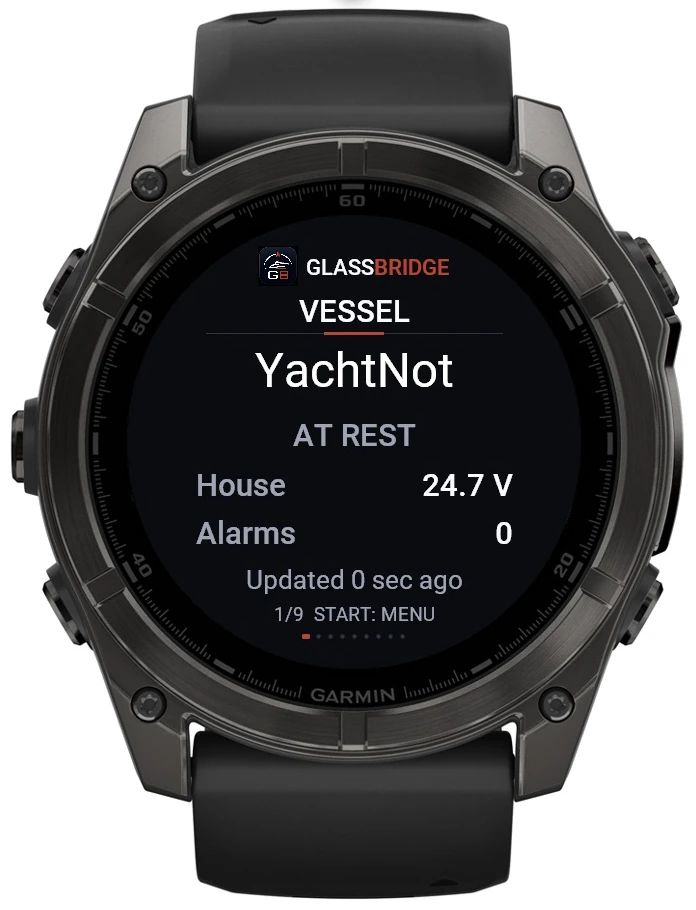
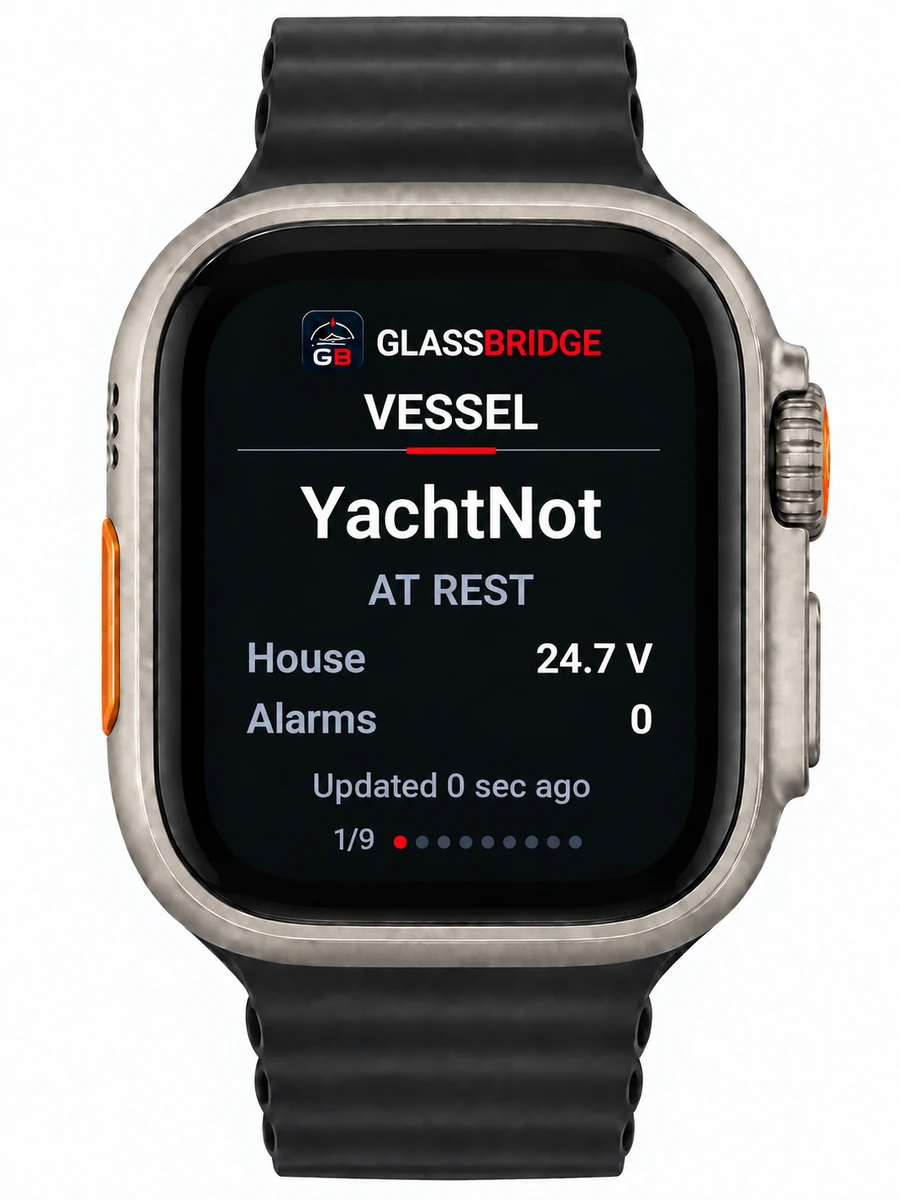
Start with the yacht.
Vessel state, house voltage, alarm count and last update in one view.
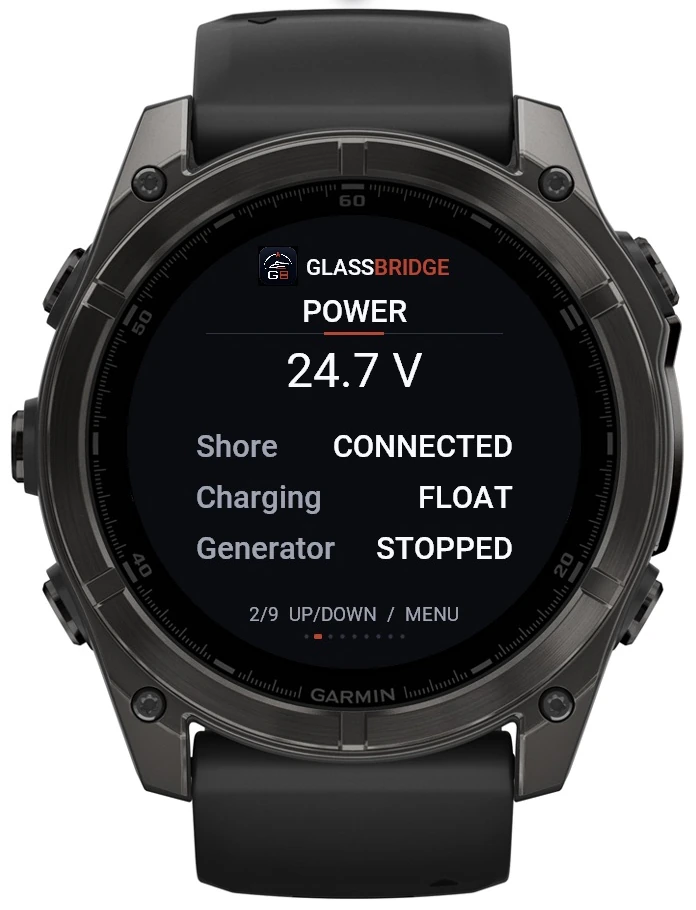
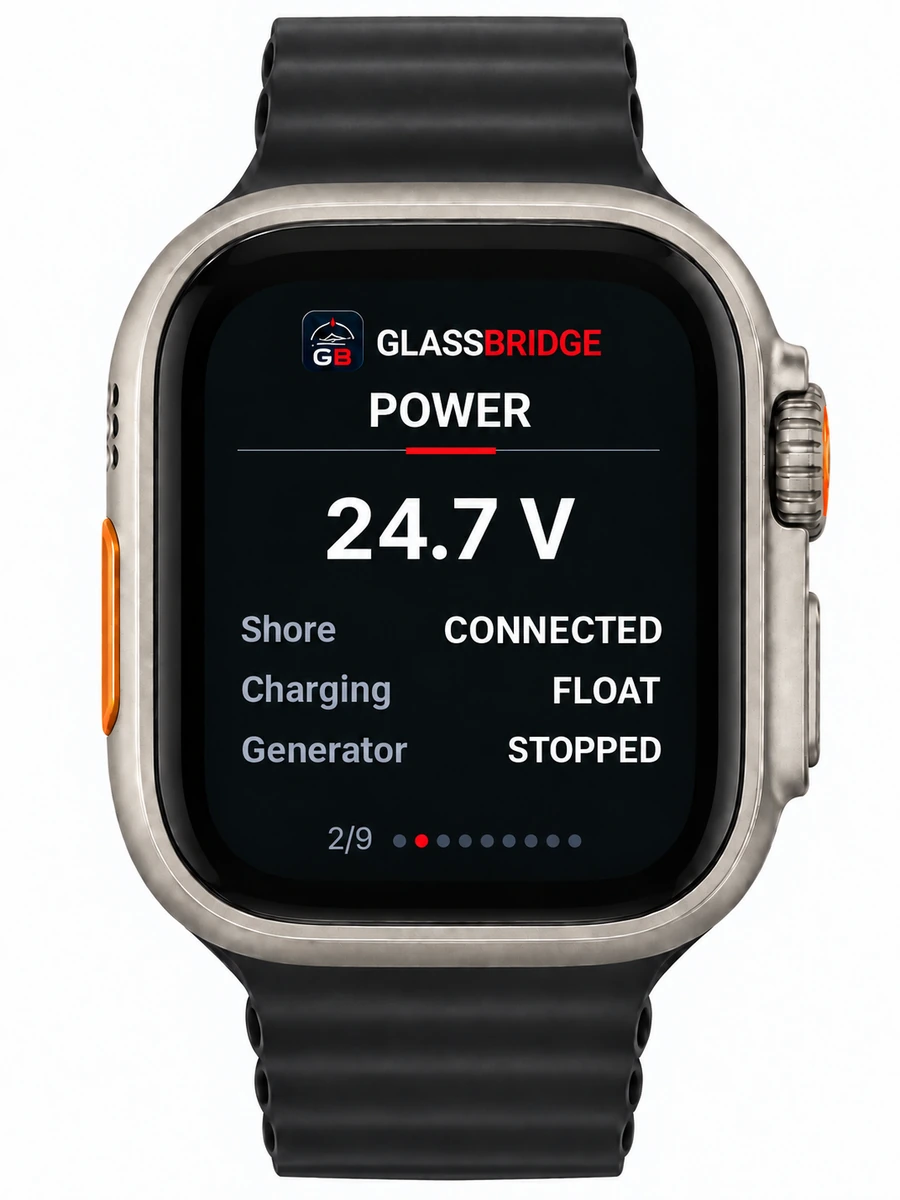
Understand the power state.
Voltage, shore connection, charging state and generator status in one view.
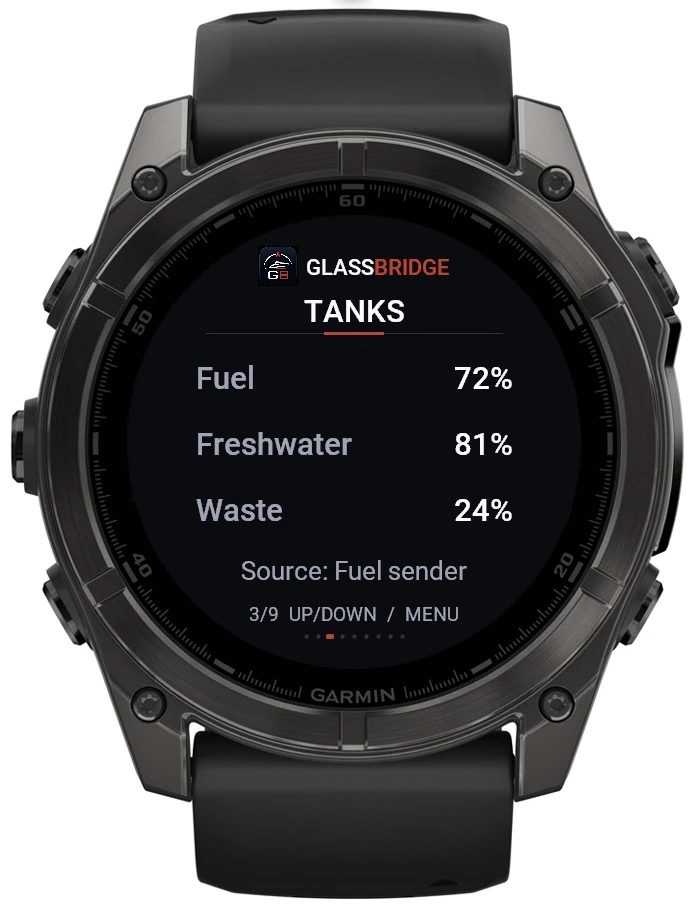
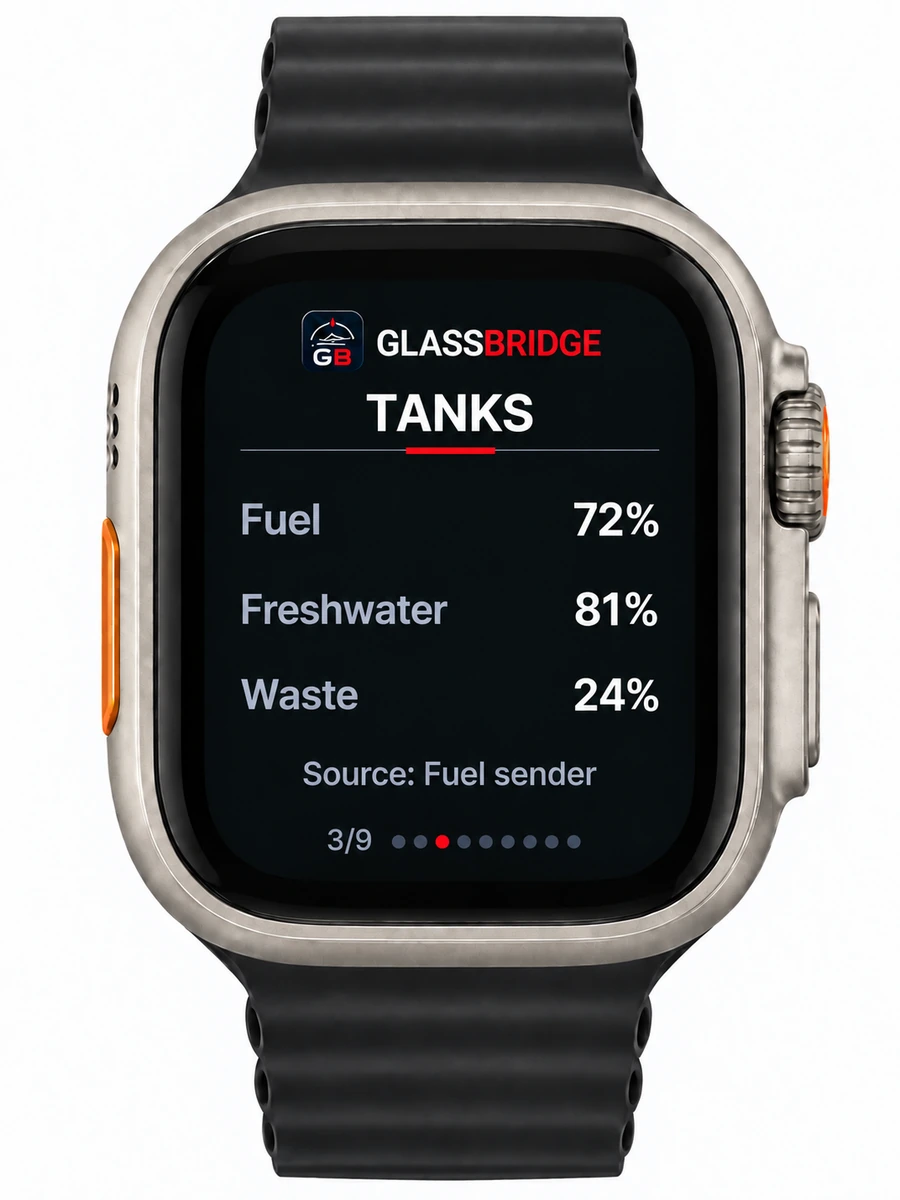
A quick look at the levels.
Fuel, freshwater and waste levels, with the tank sensor identified.
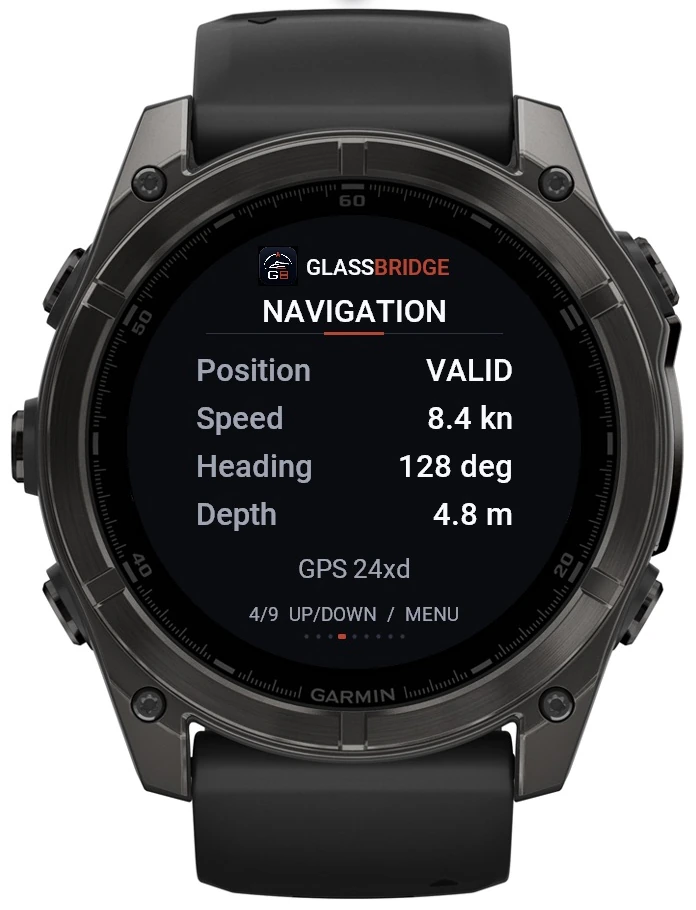
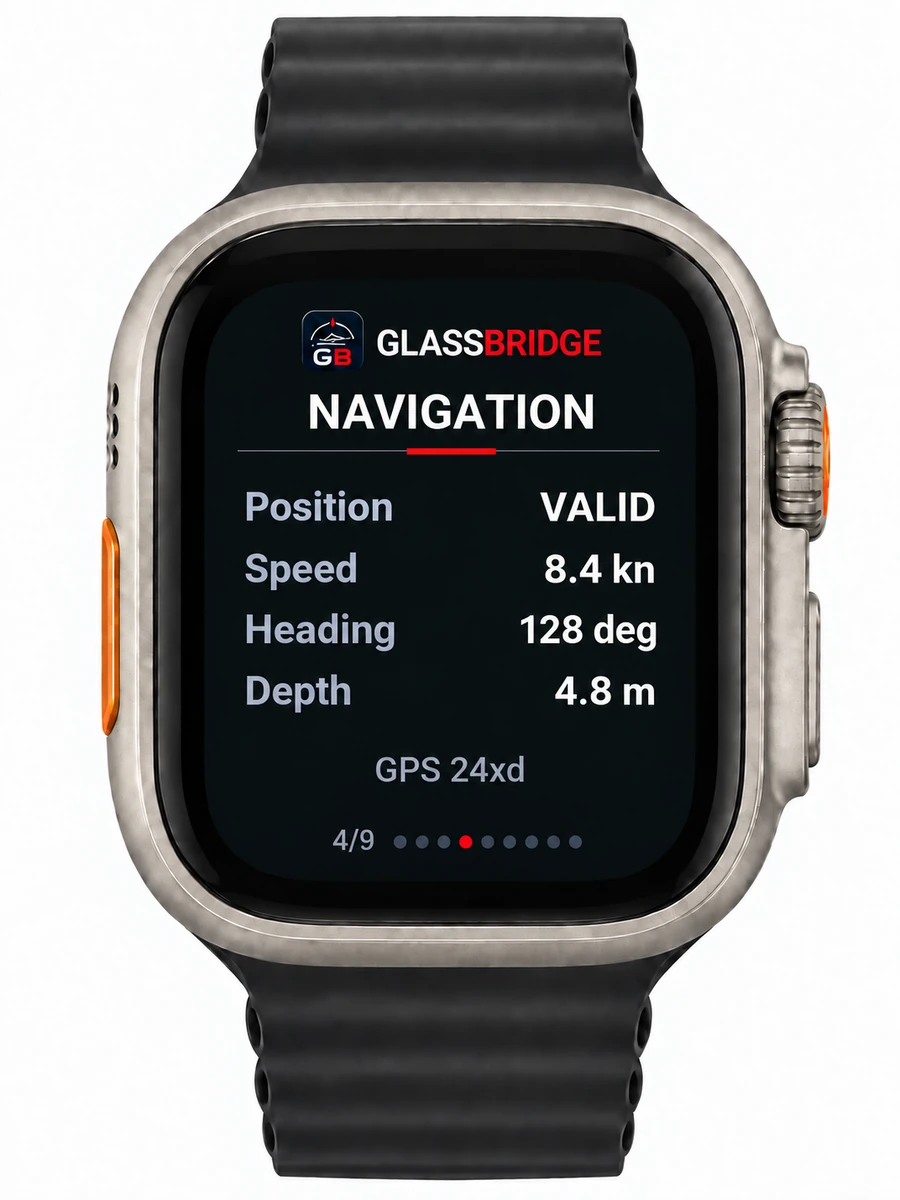
Keep the navigation context close.
Position validity, speed, heading and depth, with the supplying equipment identified.
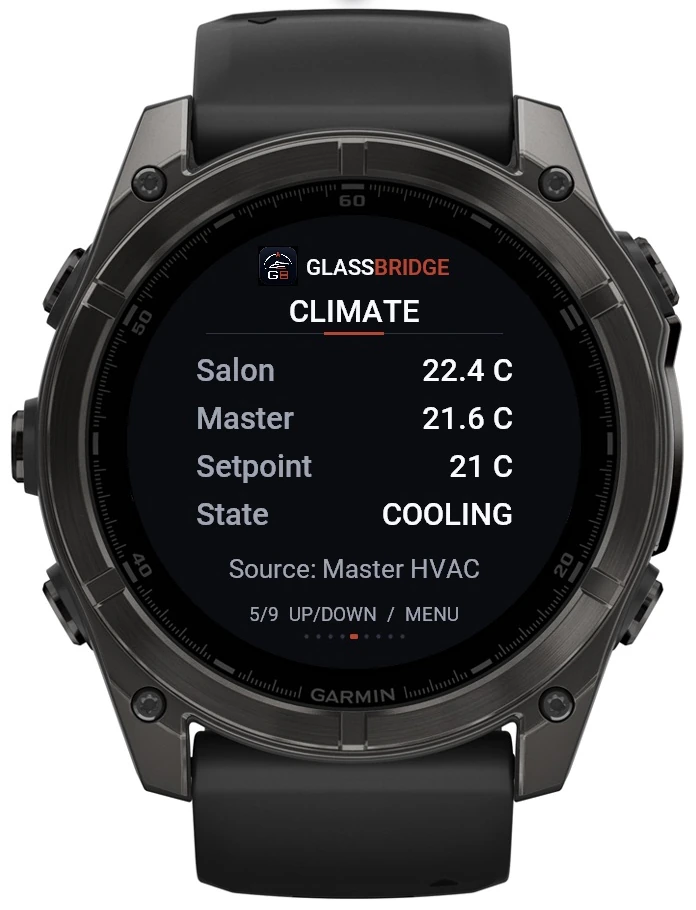
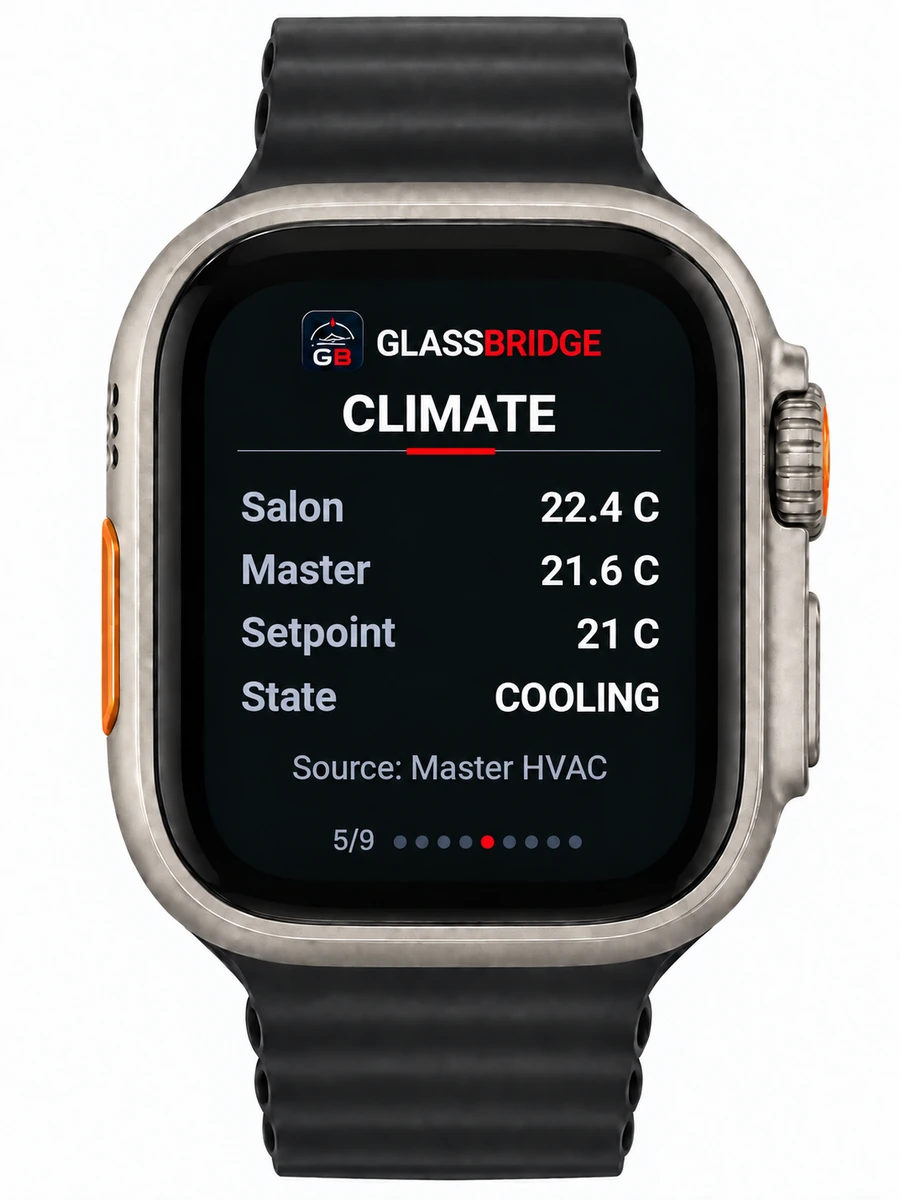
Check the comfort aboard.
Salon and master temperatures, setpoint and cooling state, with the HVAC equipment identified.
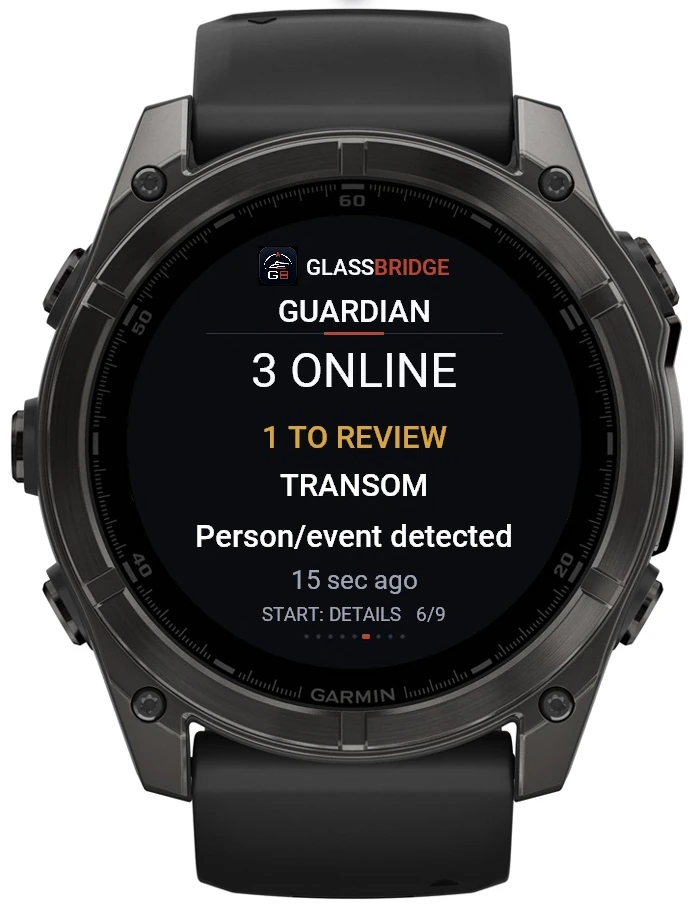
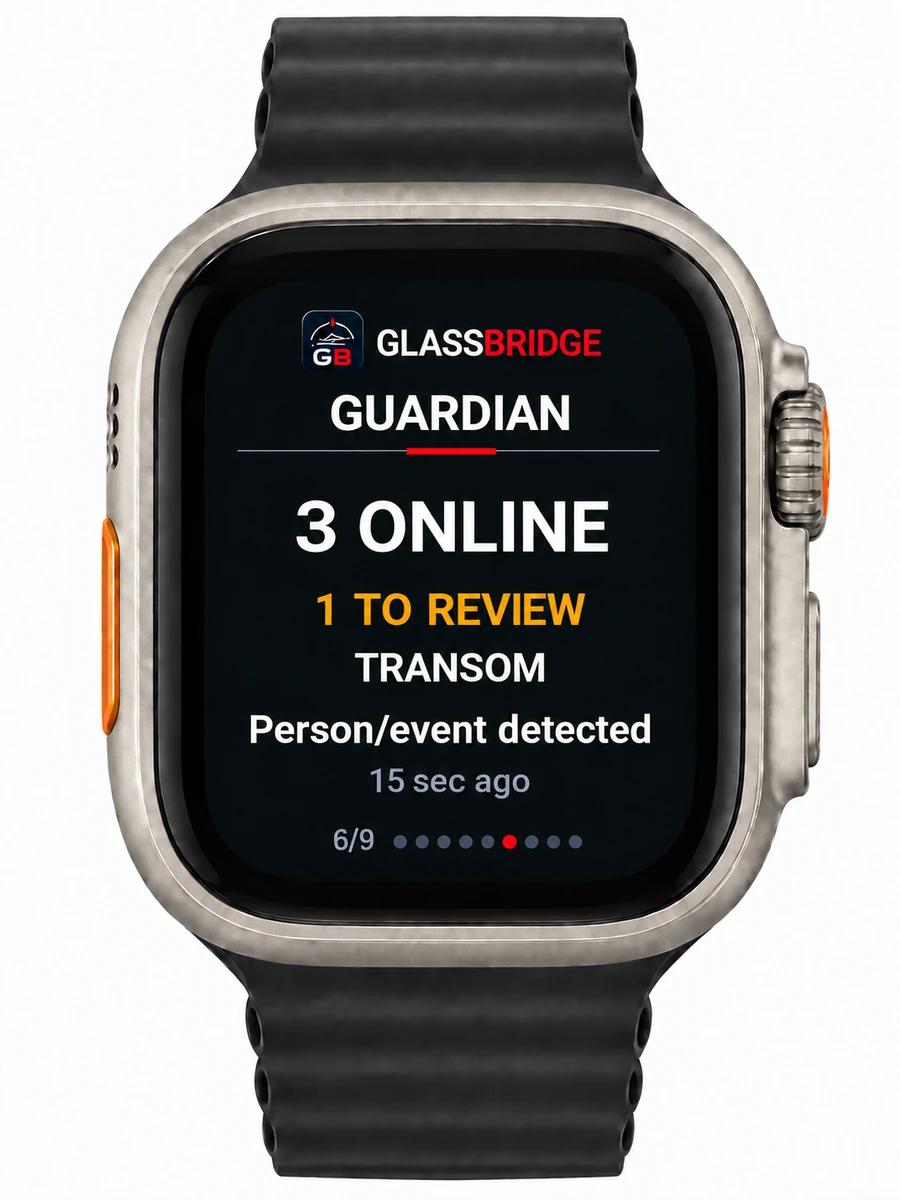
Keep Guardian close.
Connected equipment, events to review and the current event state.
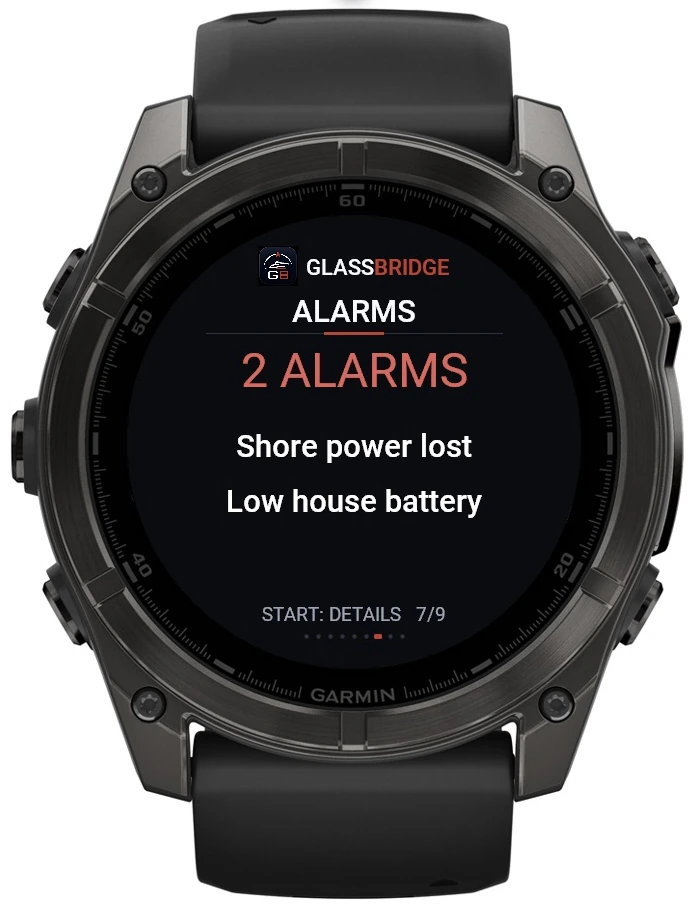
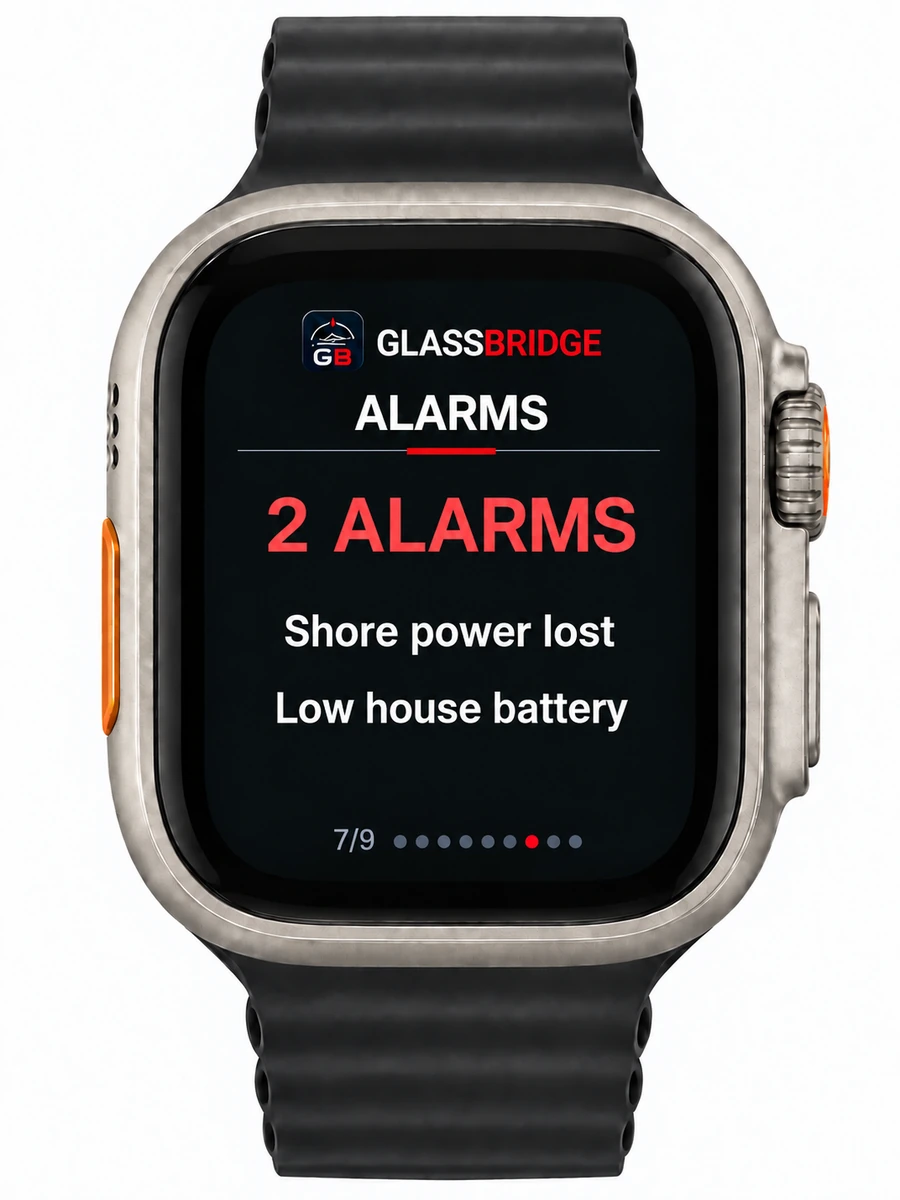
Know what needs attention.
Alarm count and active alarm state at a glance.
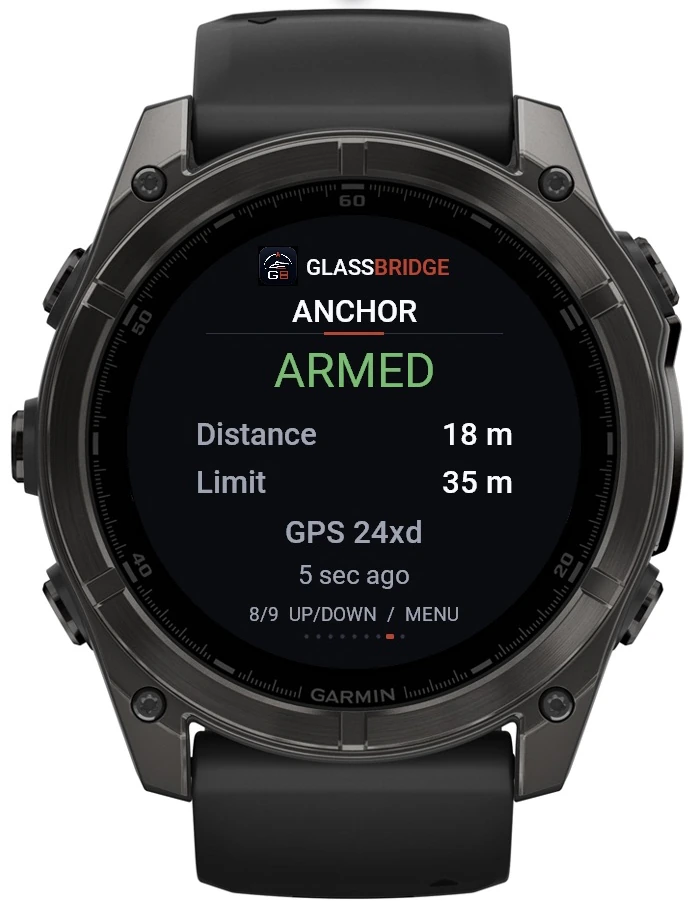
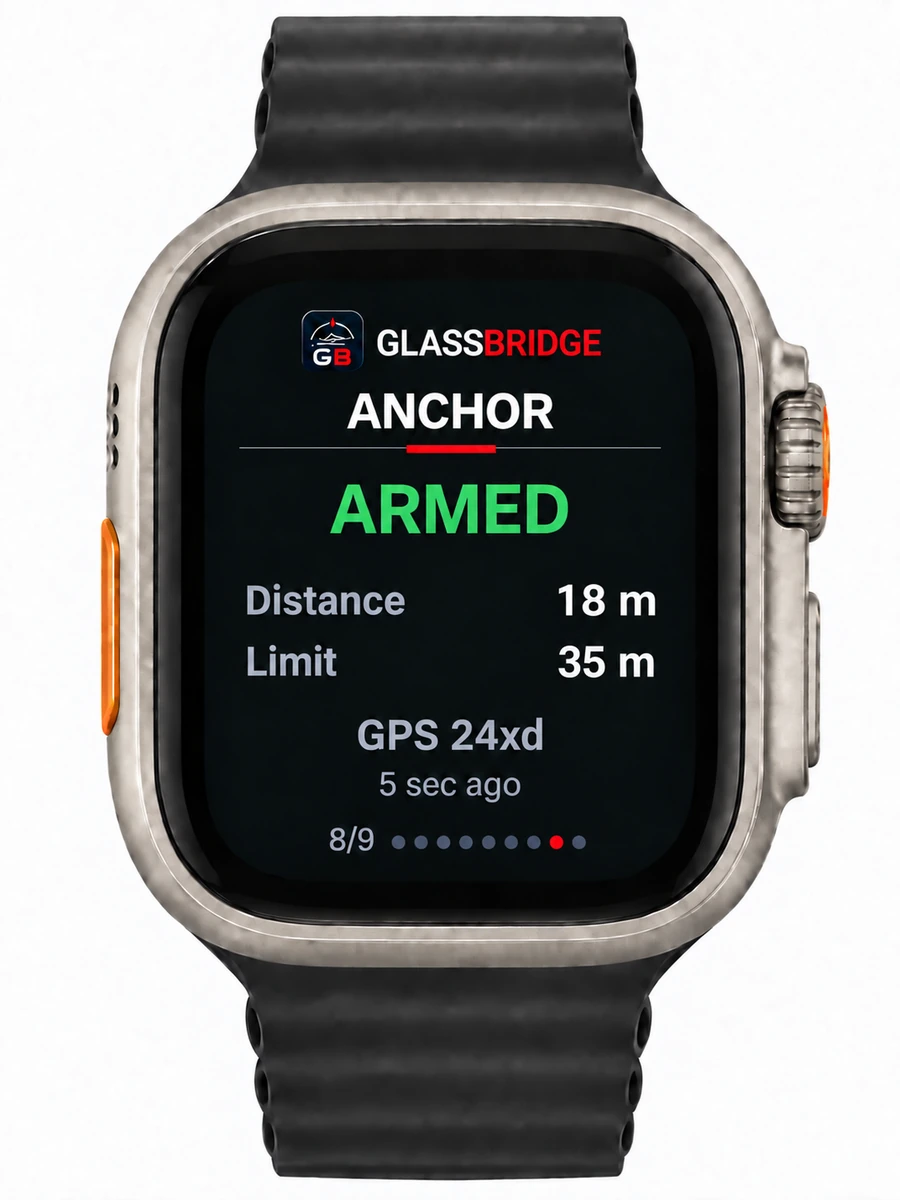
Check the anchor picture.
See the armed state, distance, configured limit and reading age.
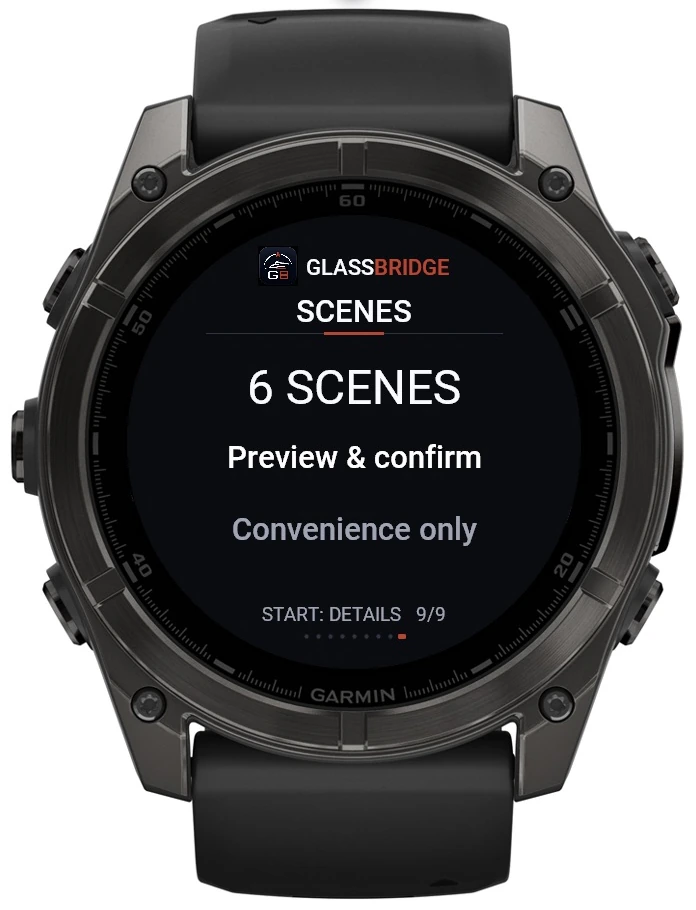
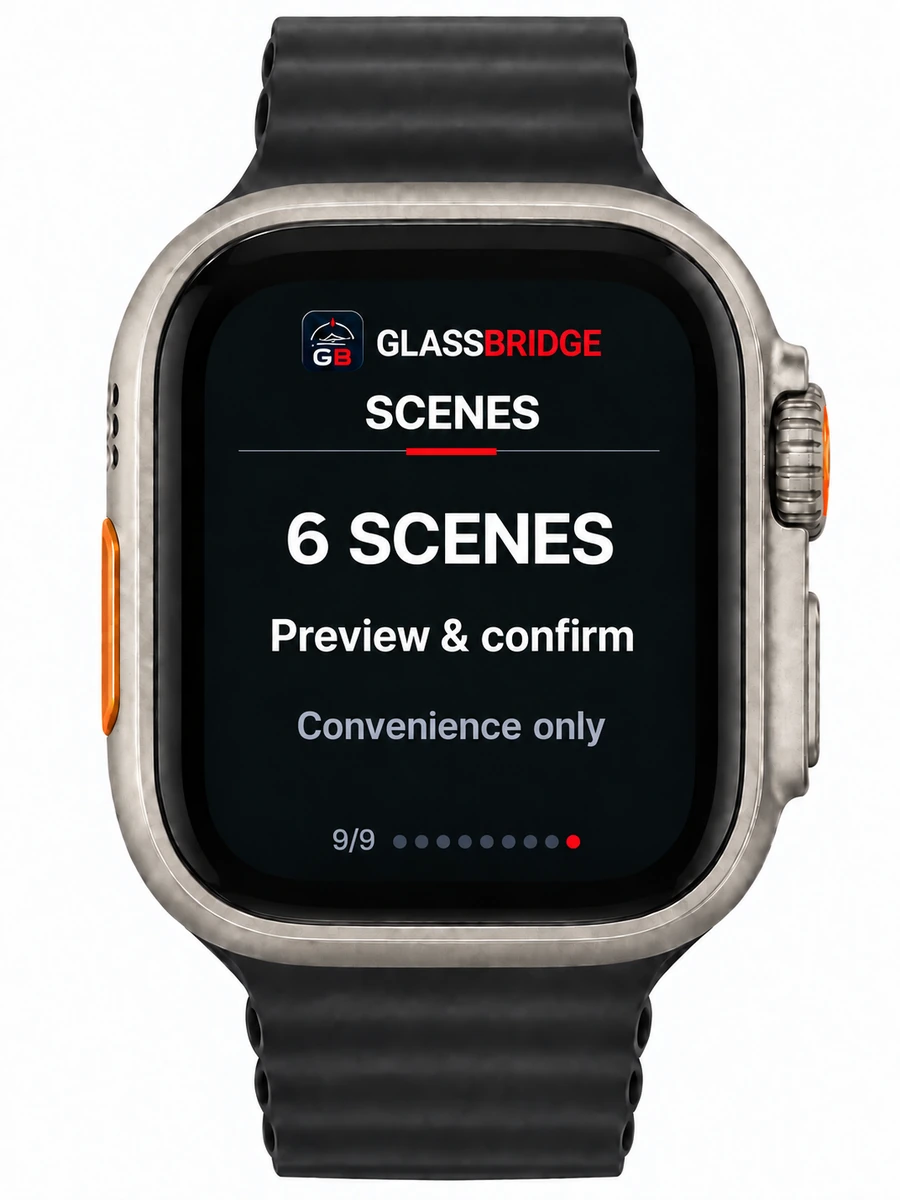
Bring the yacht together.
View available scenes and confirm convenience actions.
Part of the yacht’s digital experience
Check the yacht without
walking back to the helm
A companion view for the people aboard.
The watch apps extend the GlassBridge experience to Garmin Quatix 8 and Apple Watch Ultra. Navigation, tanks and power remain connected to the yacht’s configured equipment.
Connected equipment and completed installation checks define the information available aboard. The watch is a companion display; navigation equipment, original controls and vessel procedures stay in charge.
For your yacht programme
Bring the experience
to the people aboard.
Bring the watch apps into your yacht’s GlassBridge experience.
Discuss your yacht